Security awareness · Service
Find Out Which Employees Would Click, Before an Attacker Does
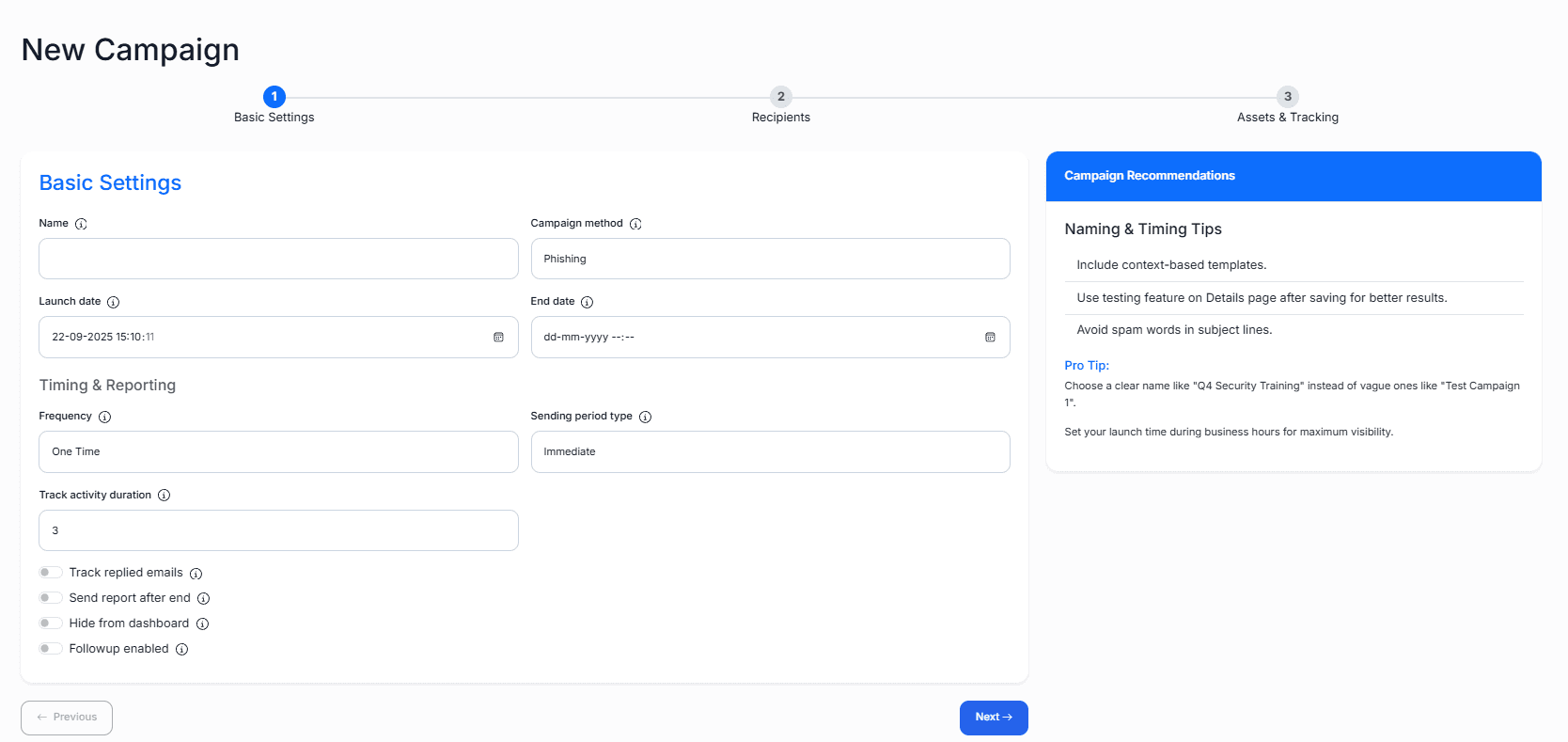
Craw Security runs controlled phishing campaigns against your workforce, teaches people right after a mistake and reports the results in a form your security and audit teams can use. The platform behind it is PhishNext.
Why simulate phishing at all
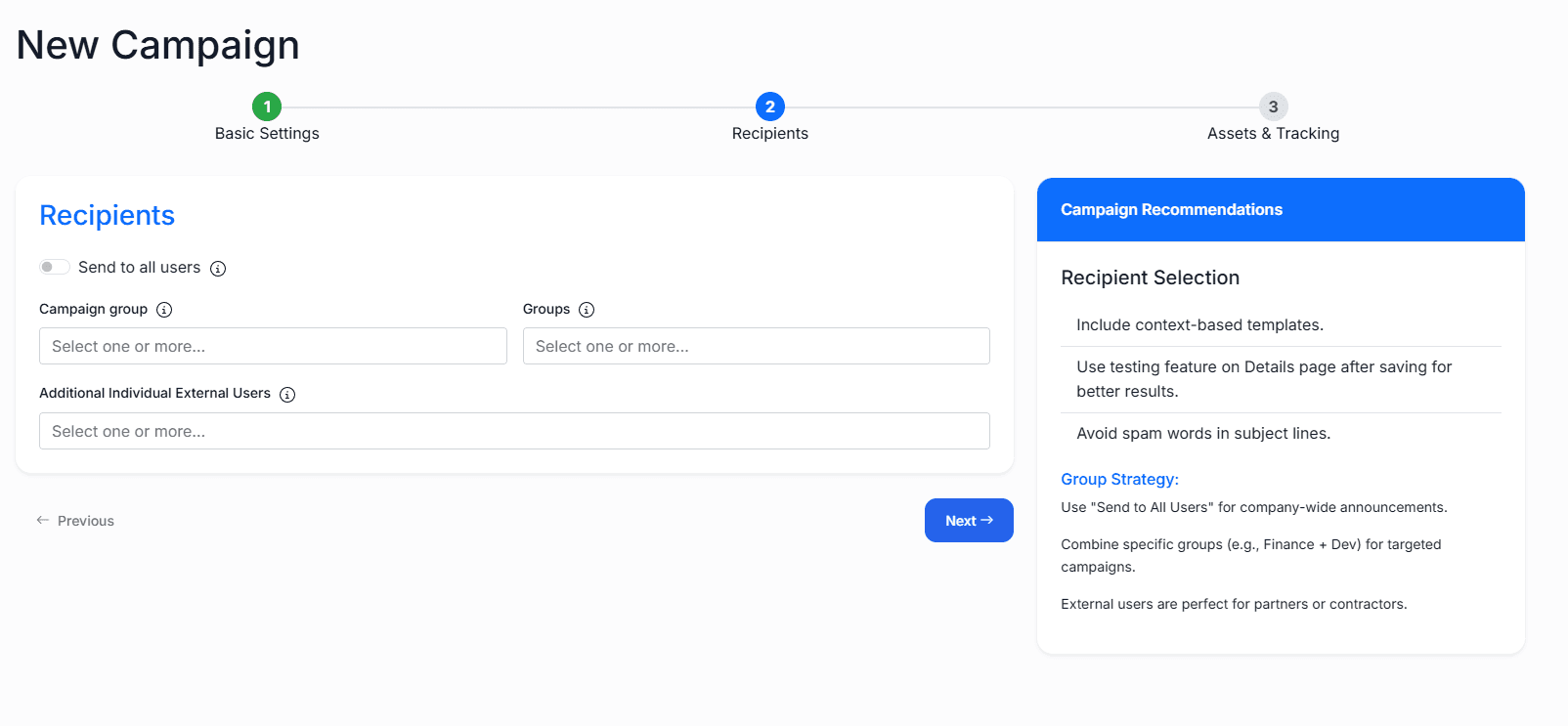
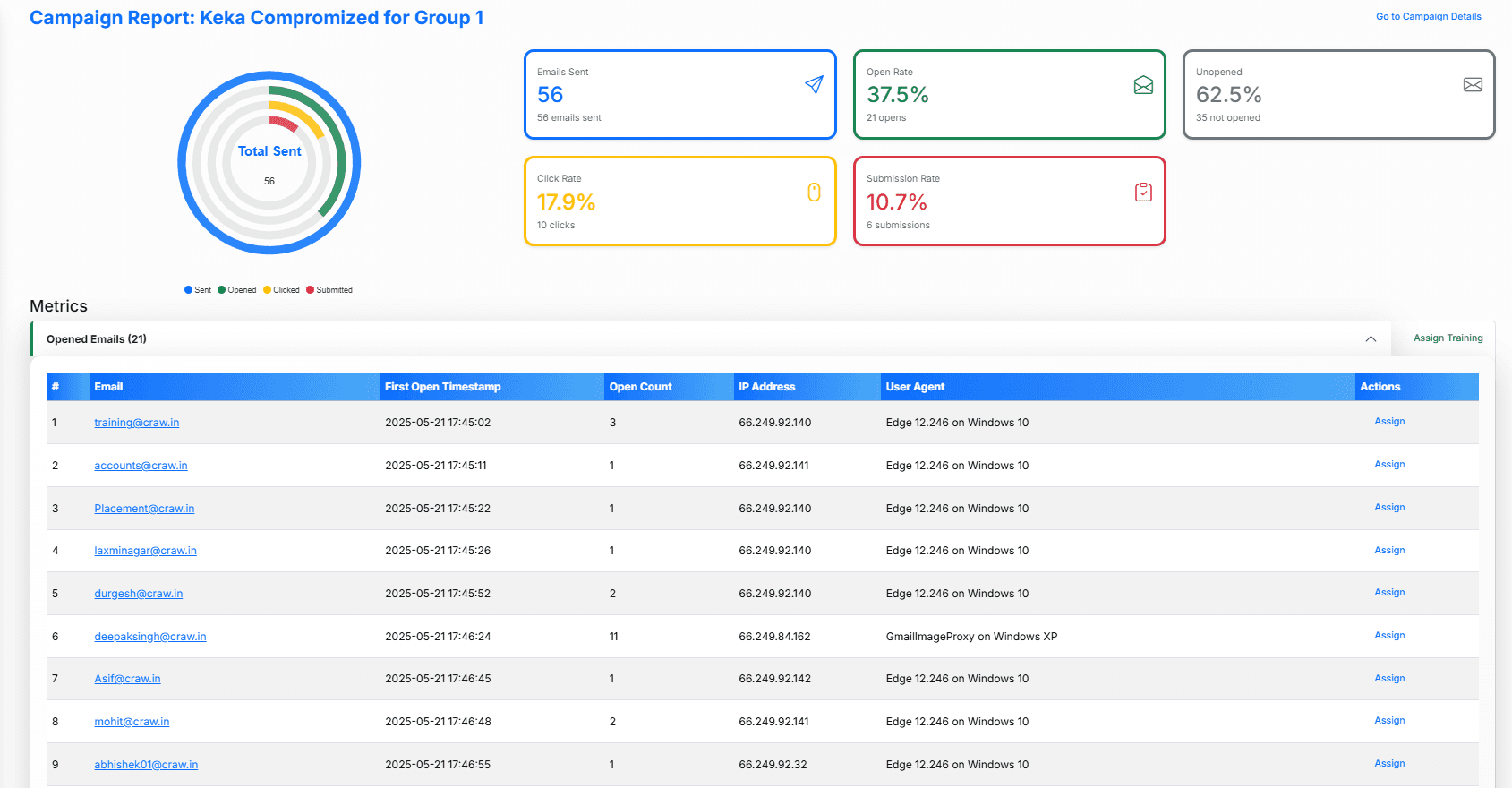
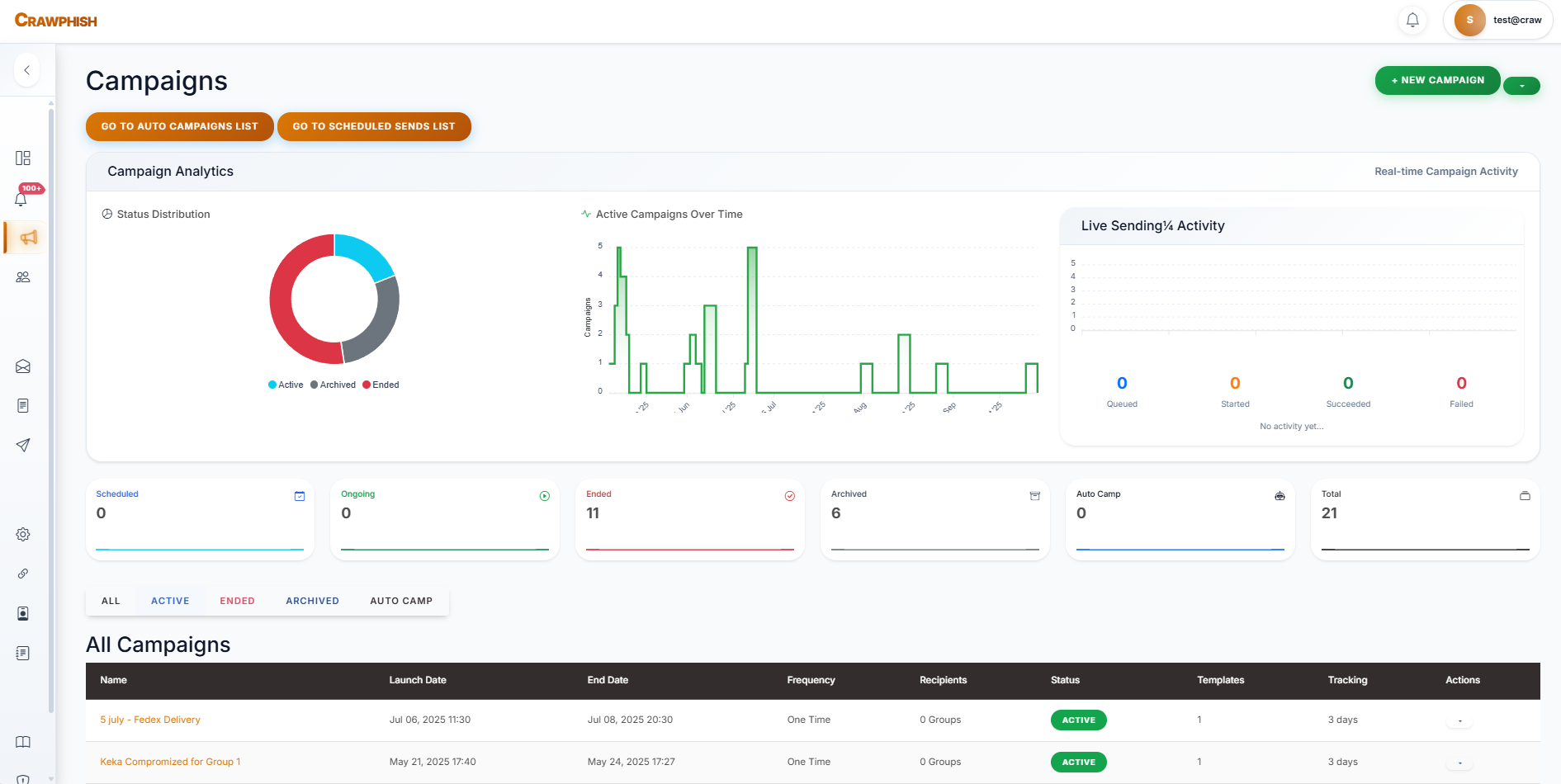
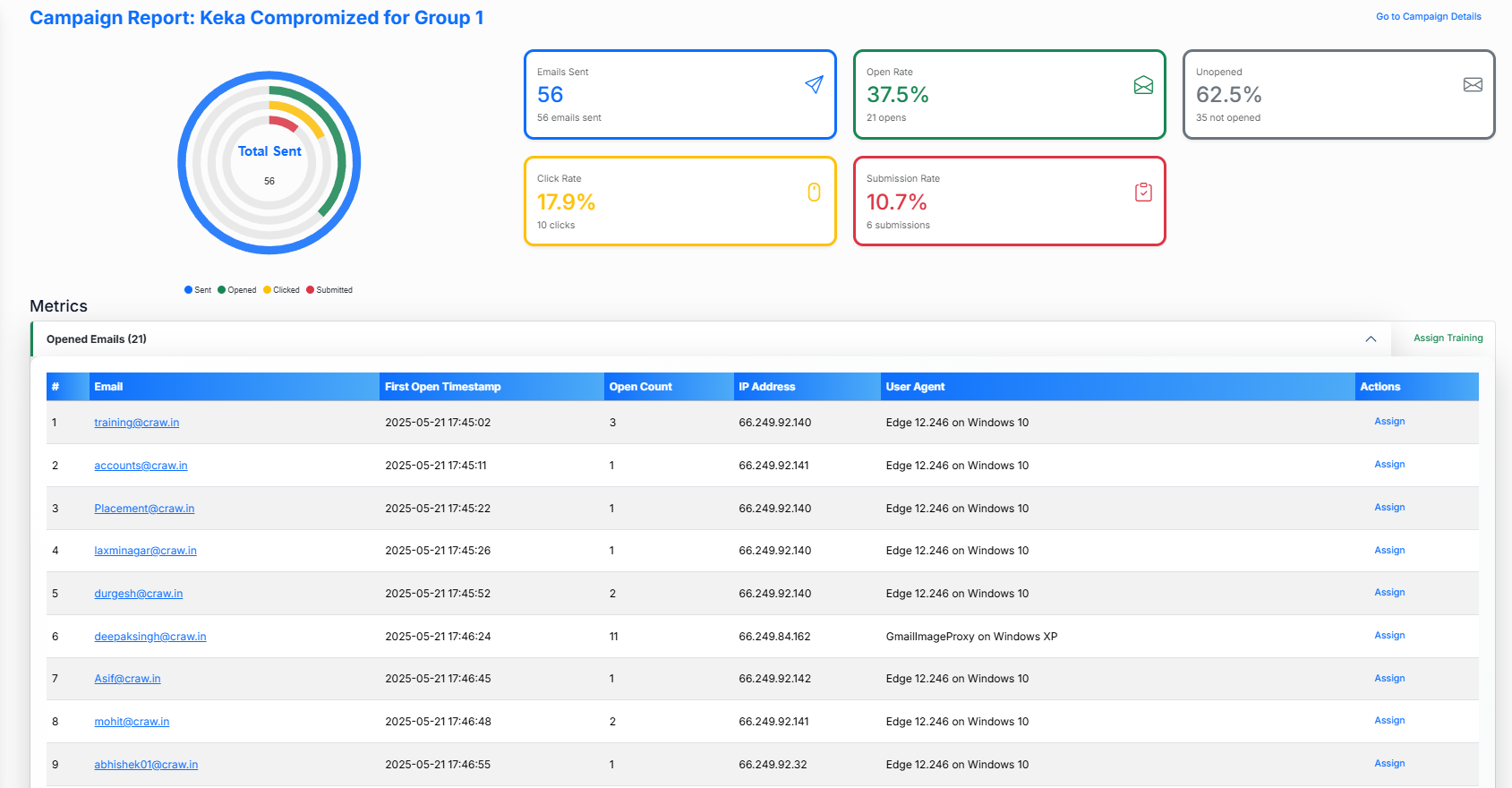
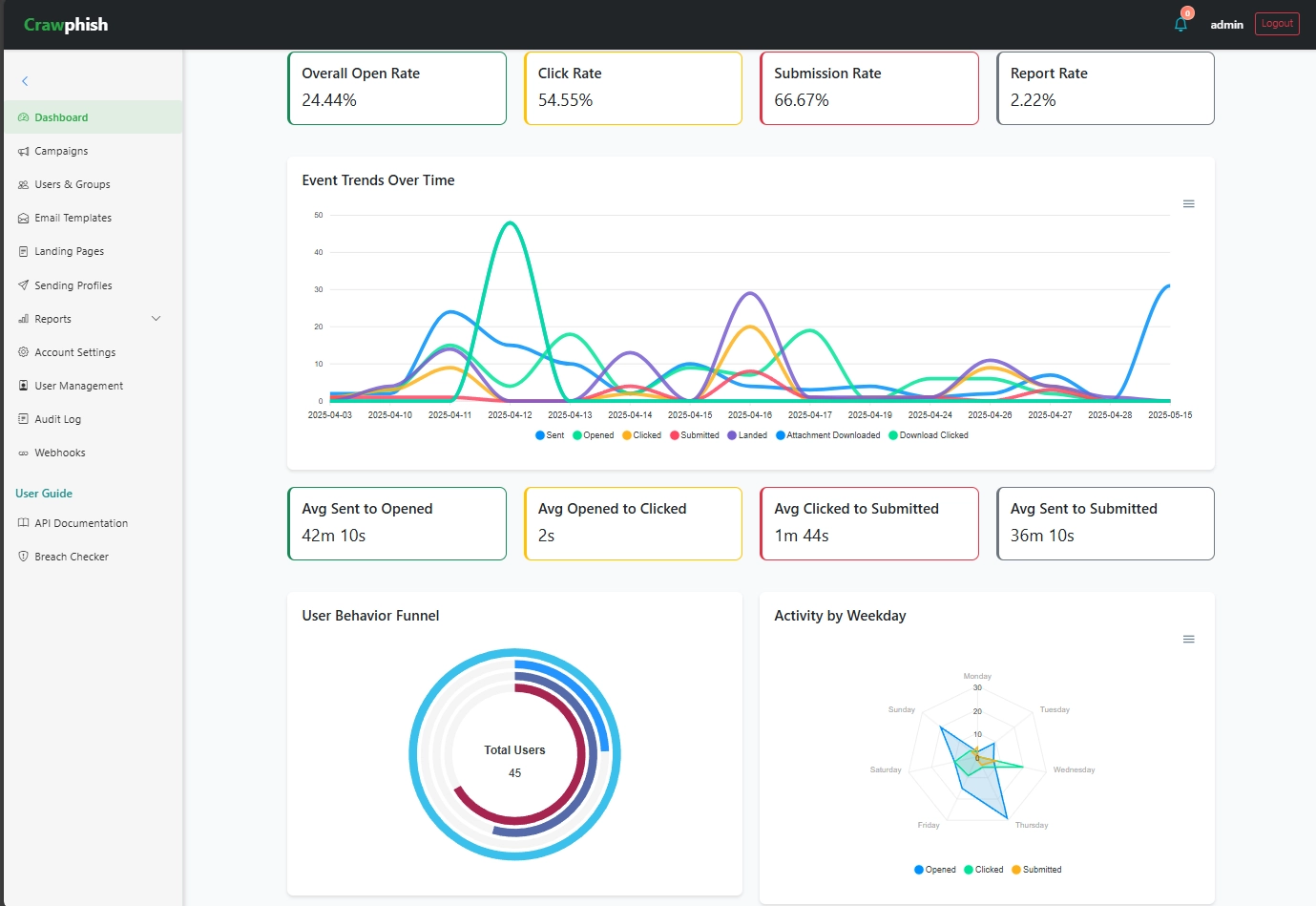
Firewalls and mail gateways filter a lot, but a convincing message that reaches an inbox still depends on a person making the right call. A phishing simulation sends safe, look-alike messages to your staff and records what happens: who opens, who clicks, who enters a password and, just as important, who reports it.
Those results turn a vague worry into numbers per team. You can see where a short briefing is enough and where a department needs repeated practice. Over a few campaigns the trend shows whether behaviour is really changing.
Template families your staff will see
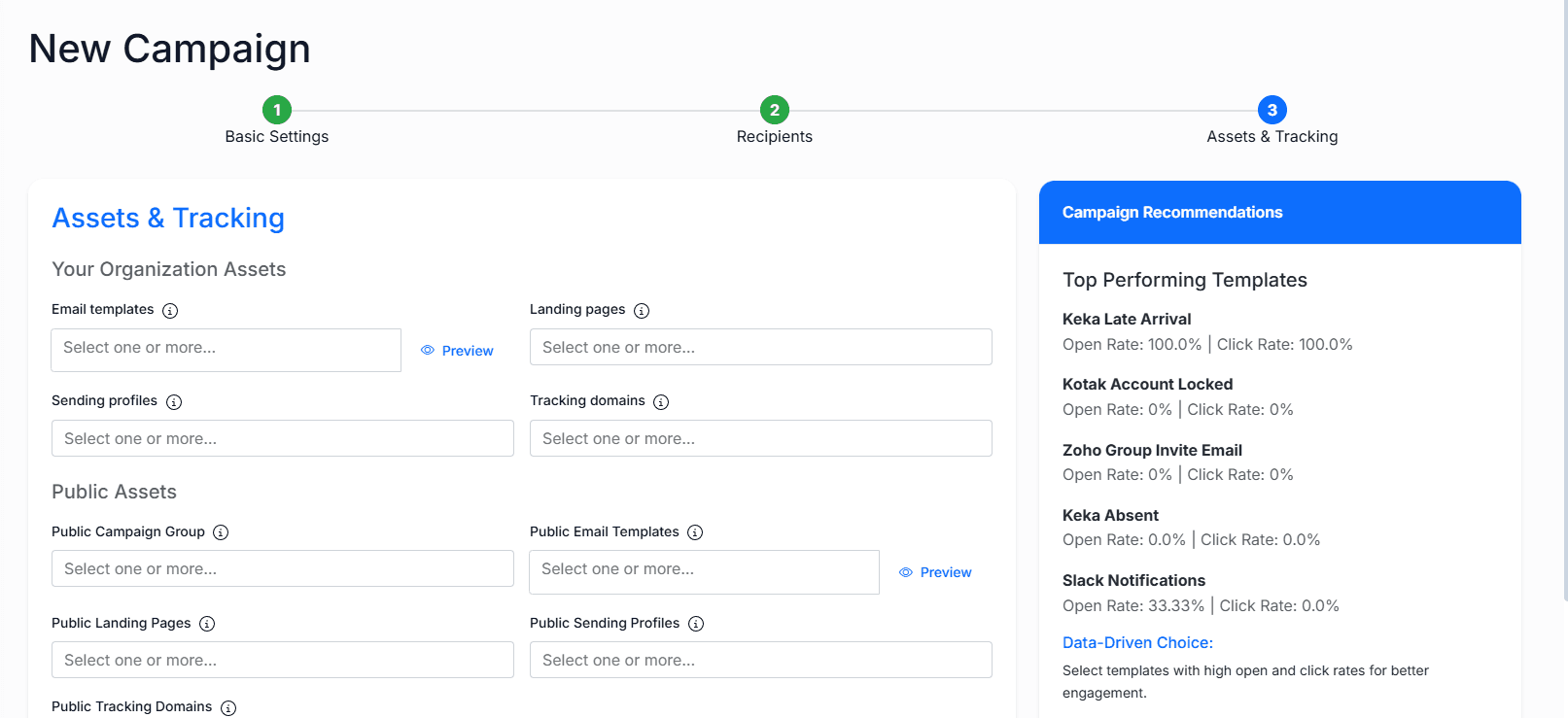
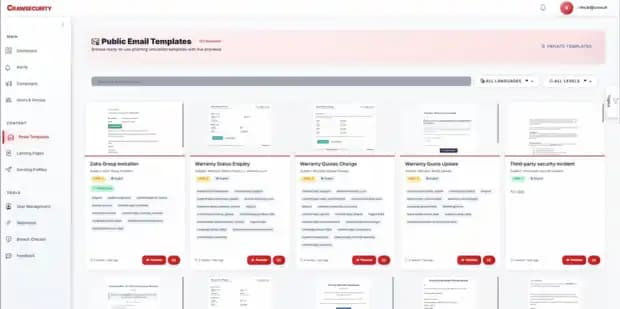
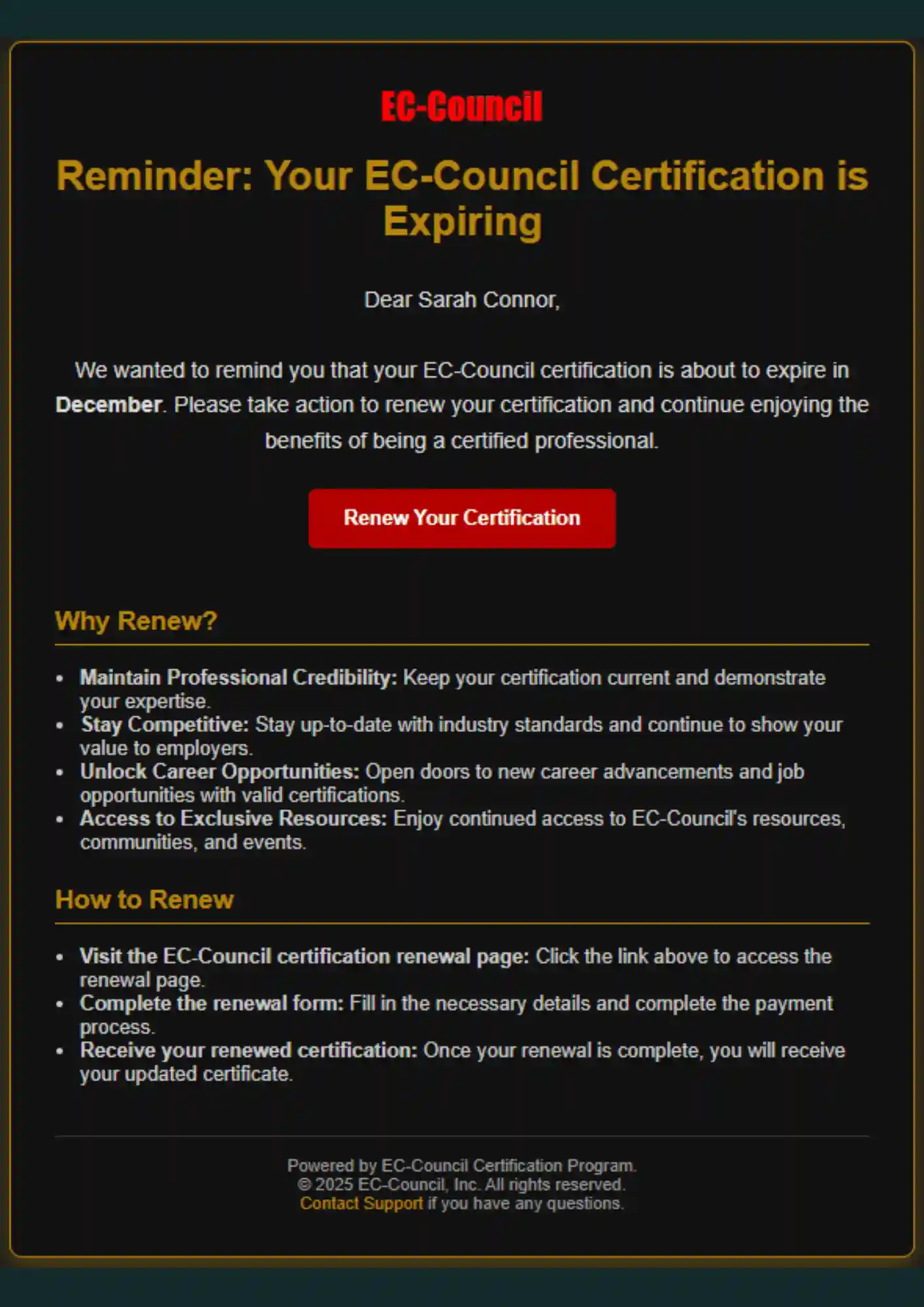
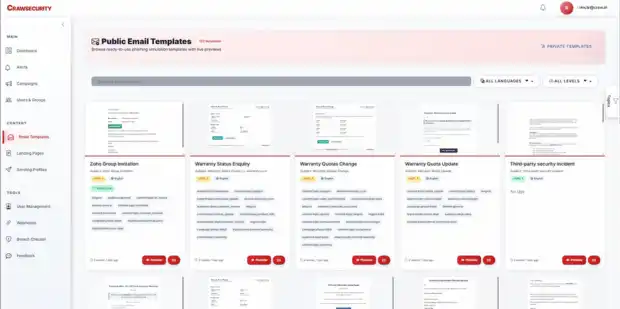
The library holds more than 200 templates, and each can be reworded to match your brand and your internal processes.
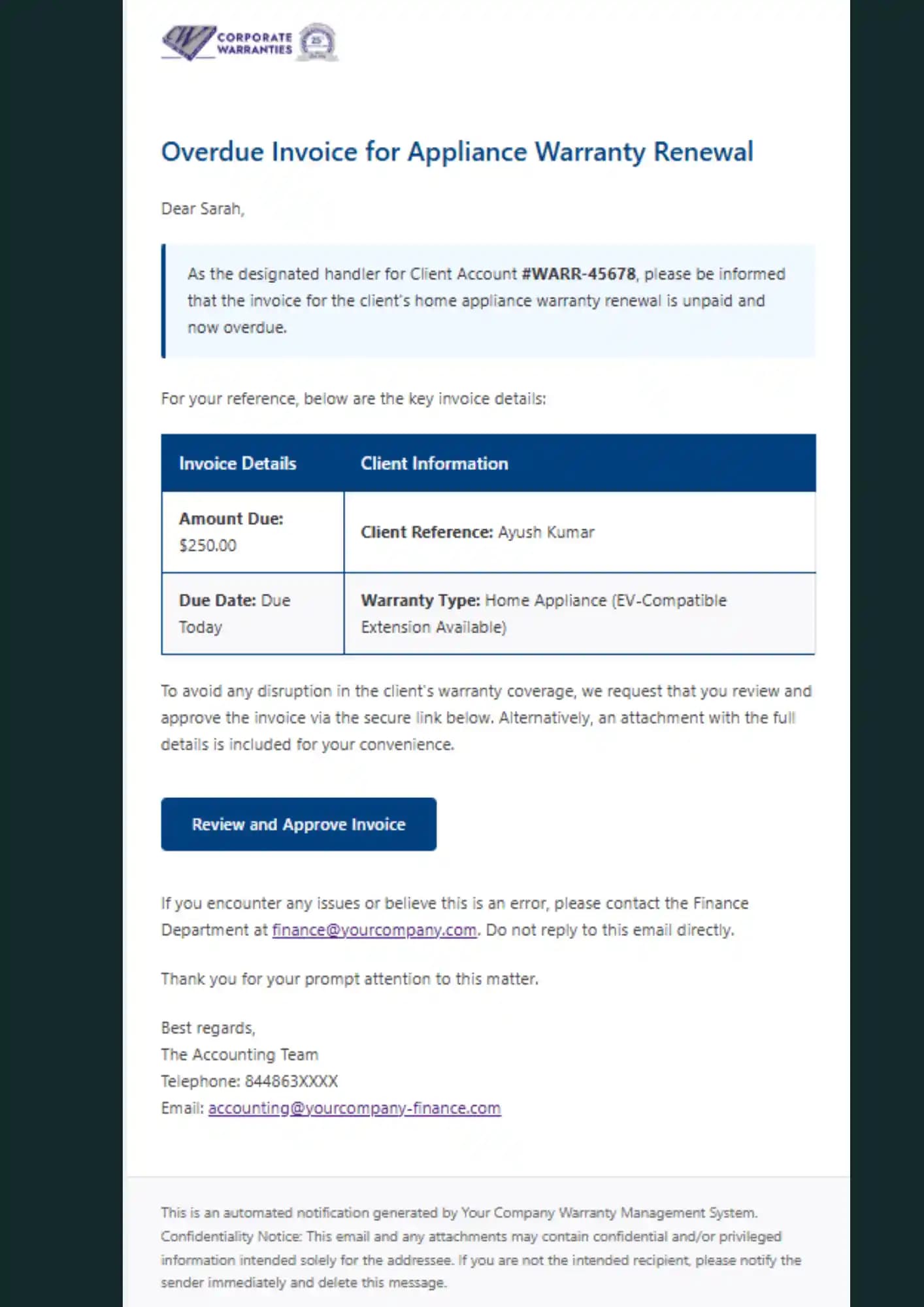
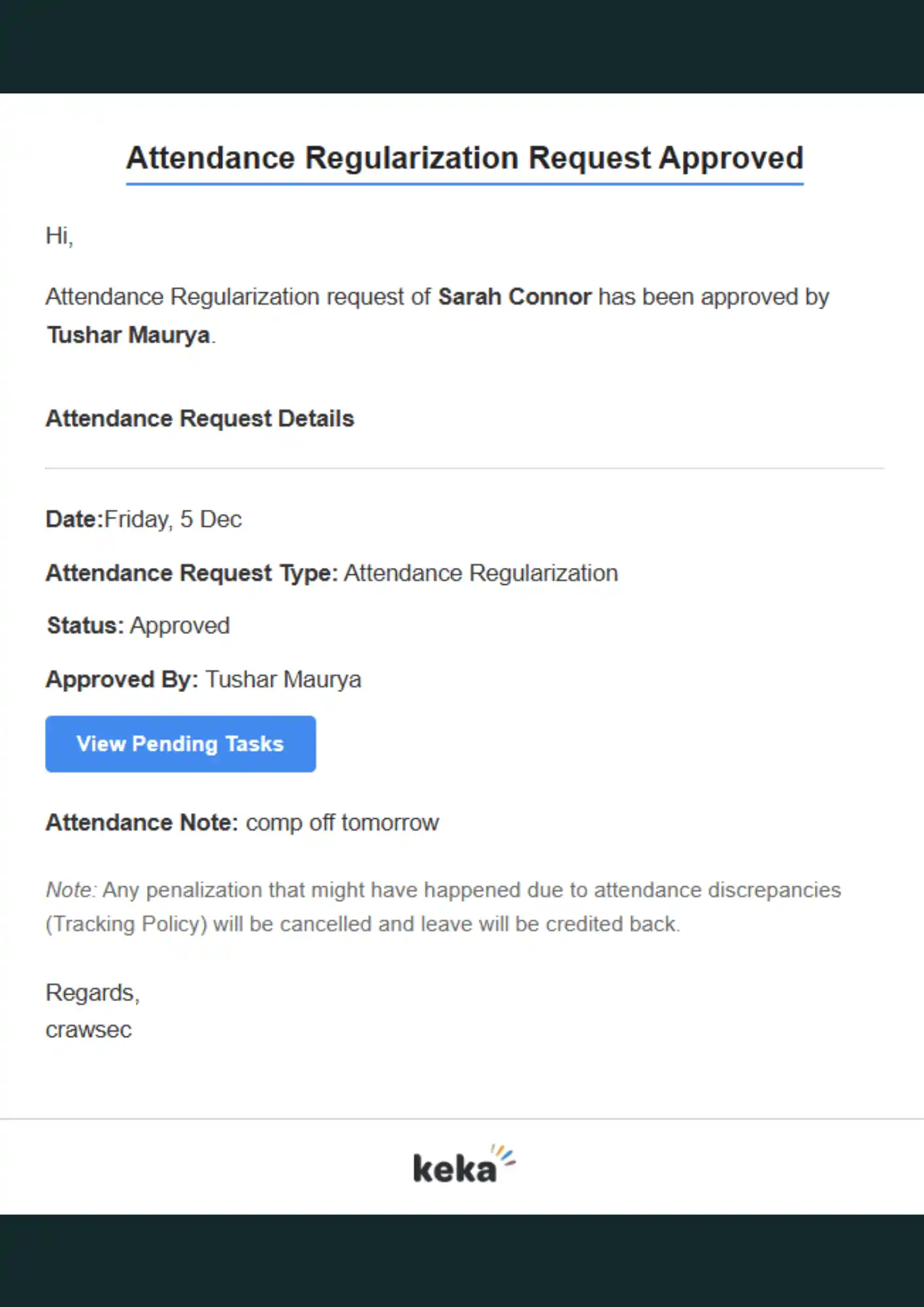
Business email compromise
Executive impersonation, fake invoices and urgent payment requests.
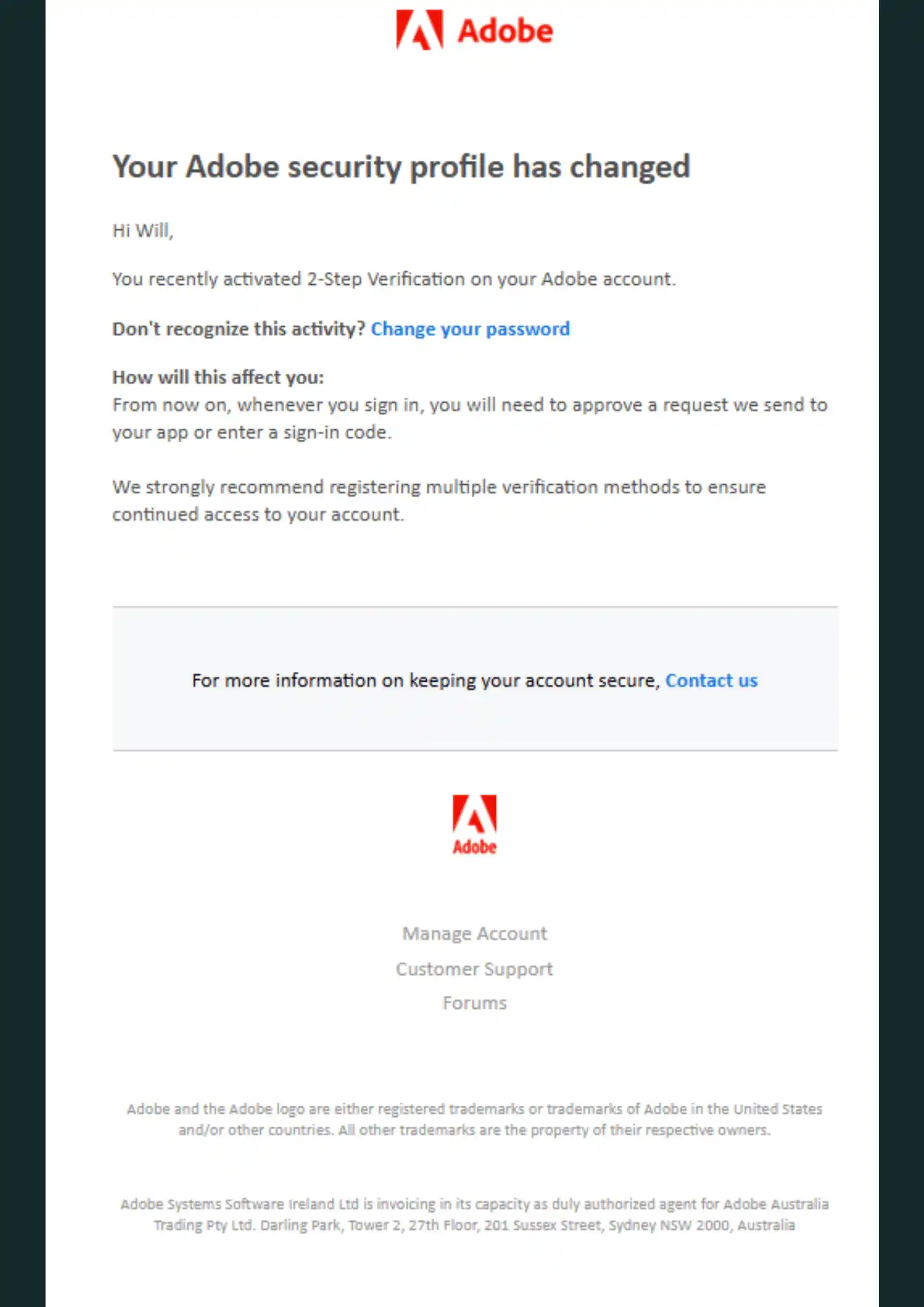
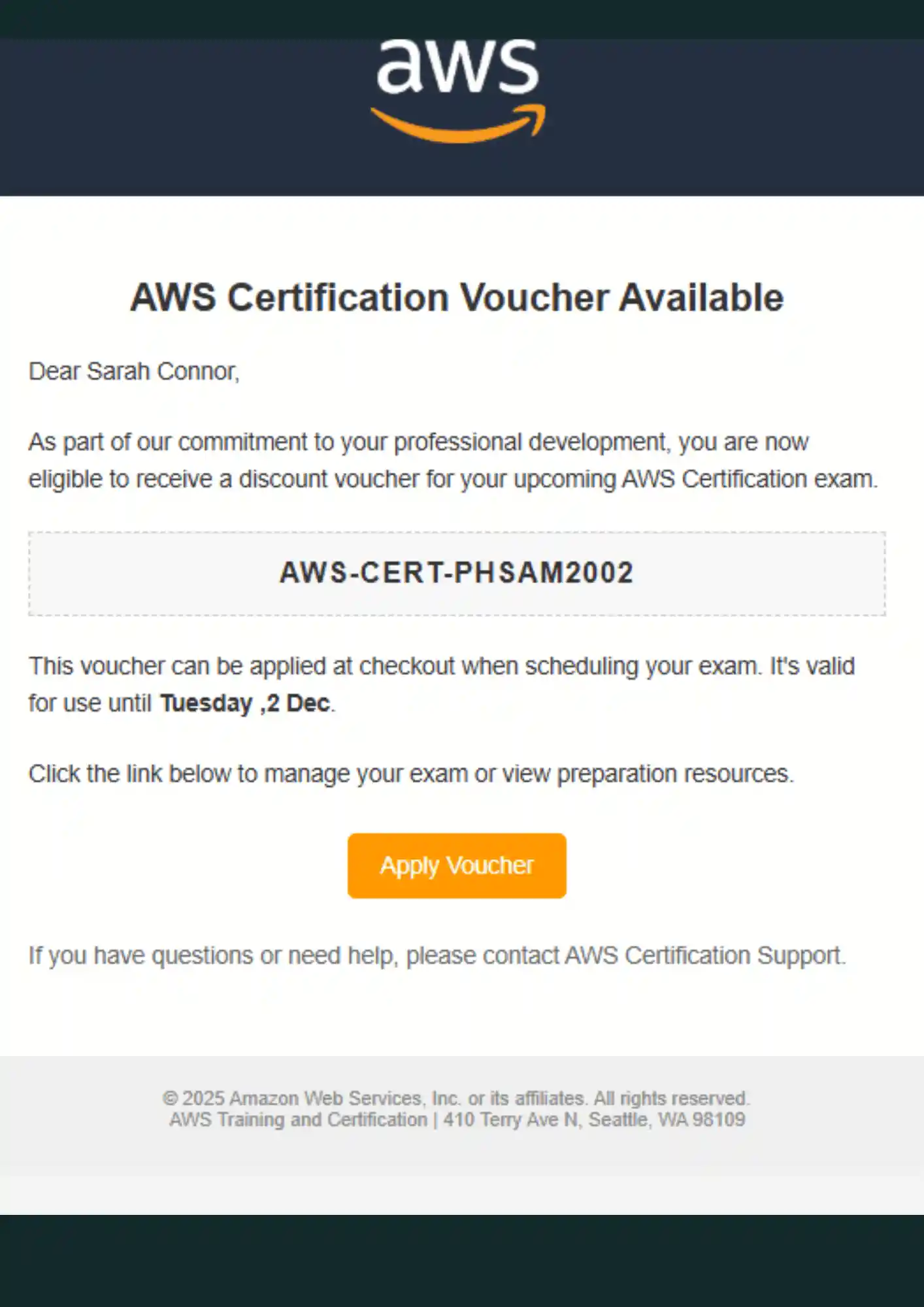
Account security alerts
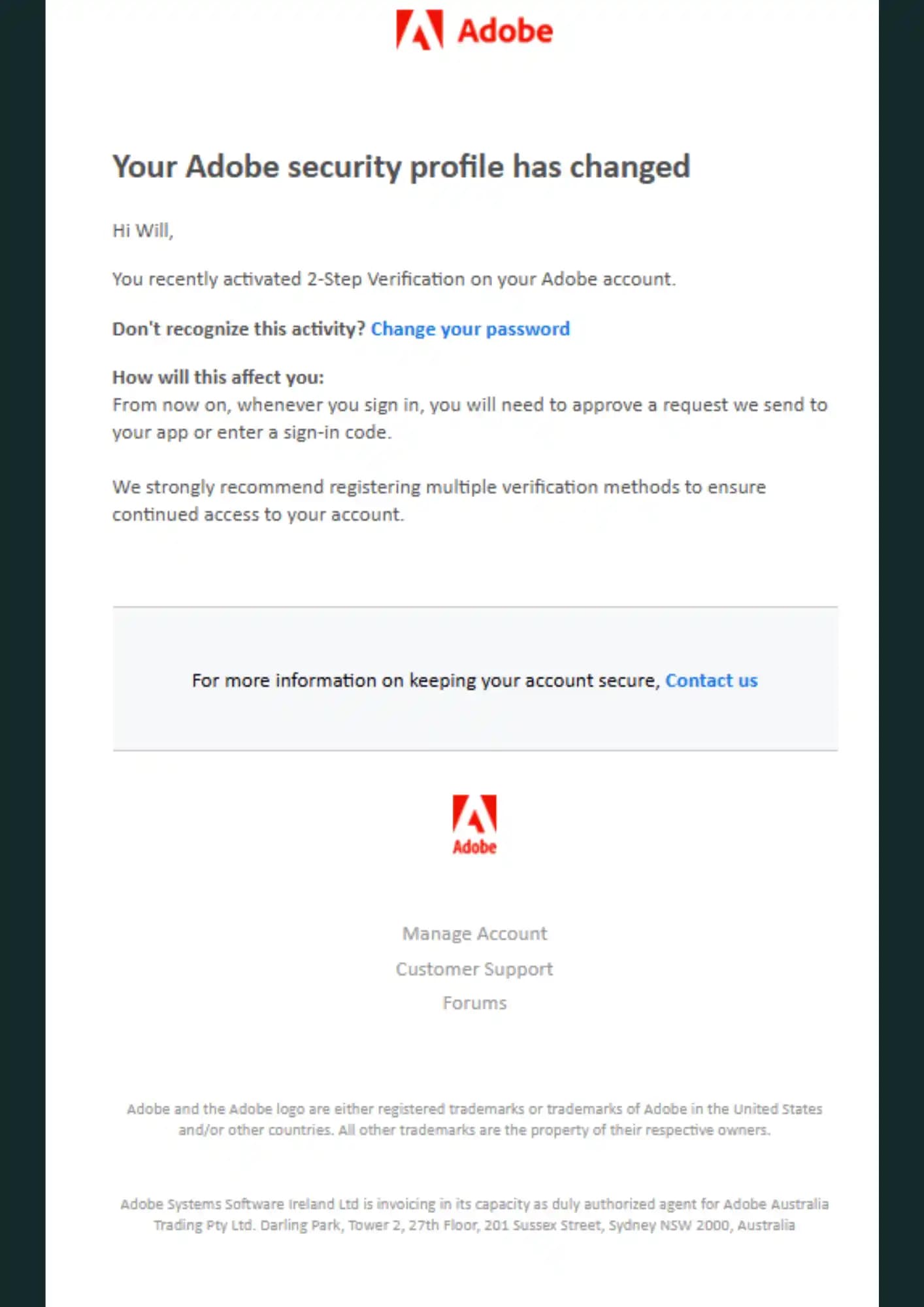
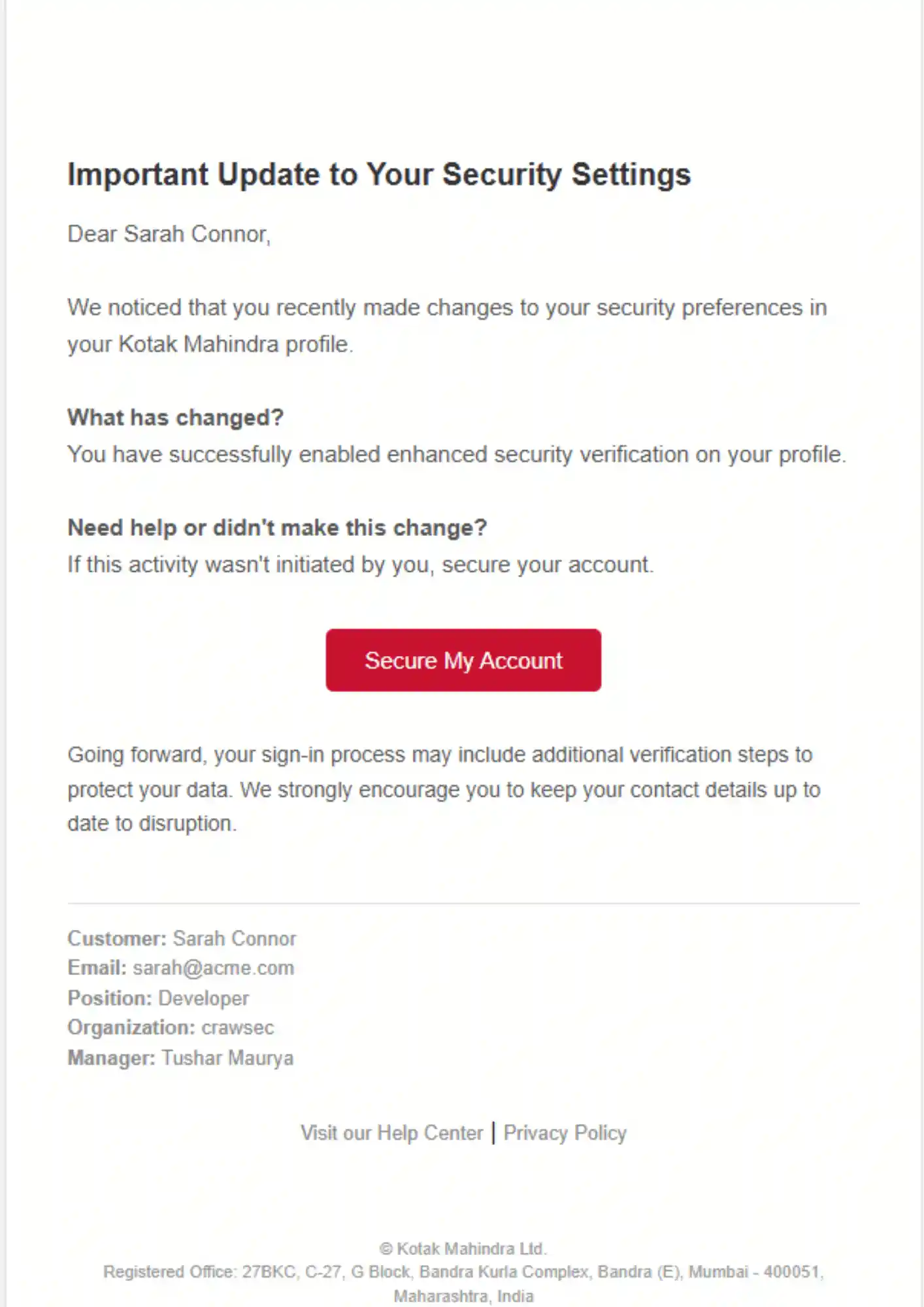
Password-reset notices and warnings about suspicious sign-ins.
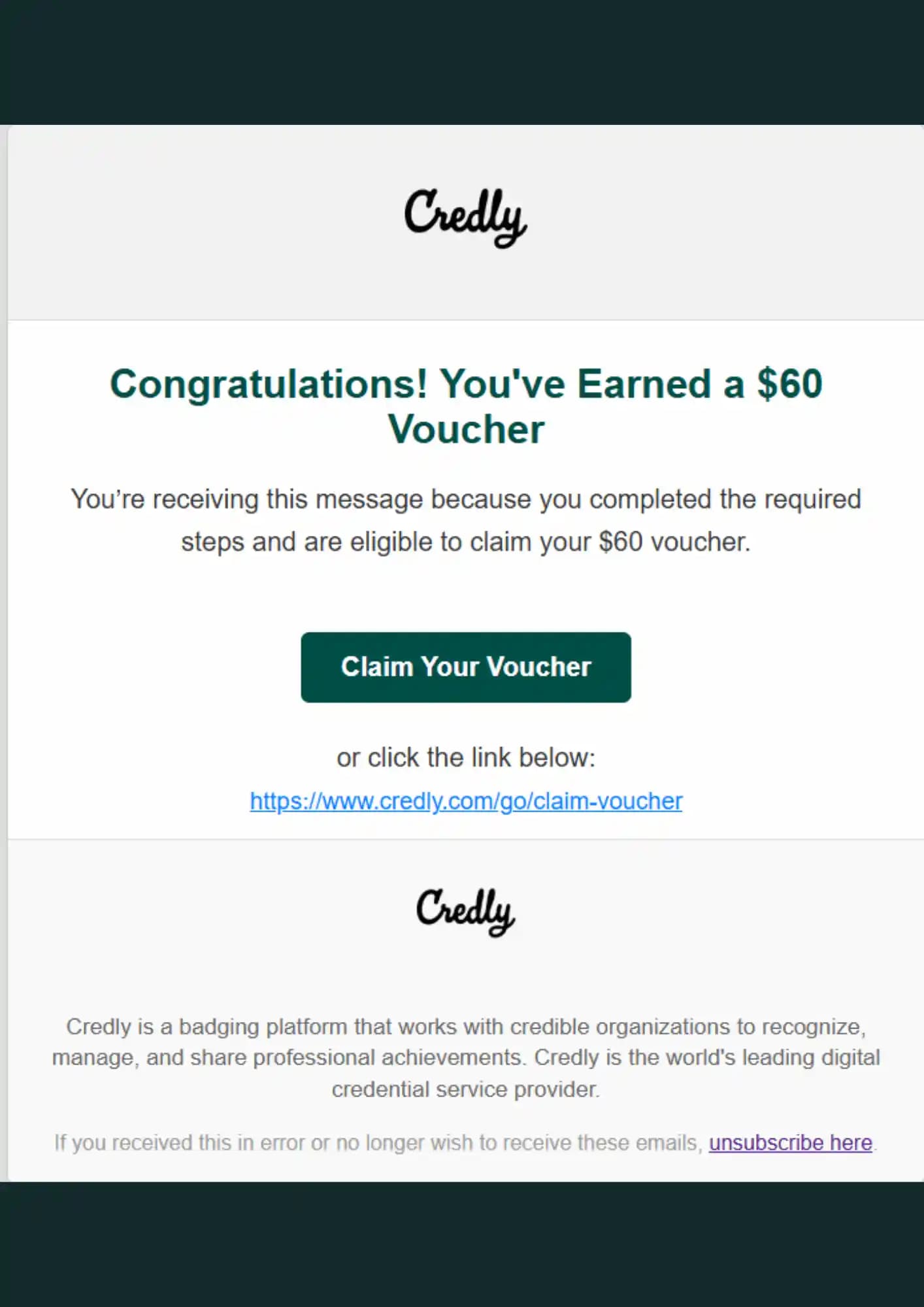
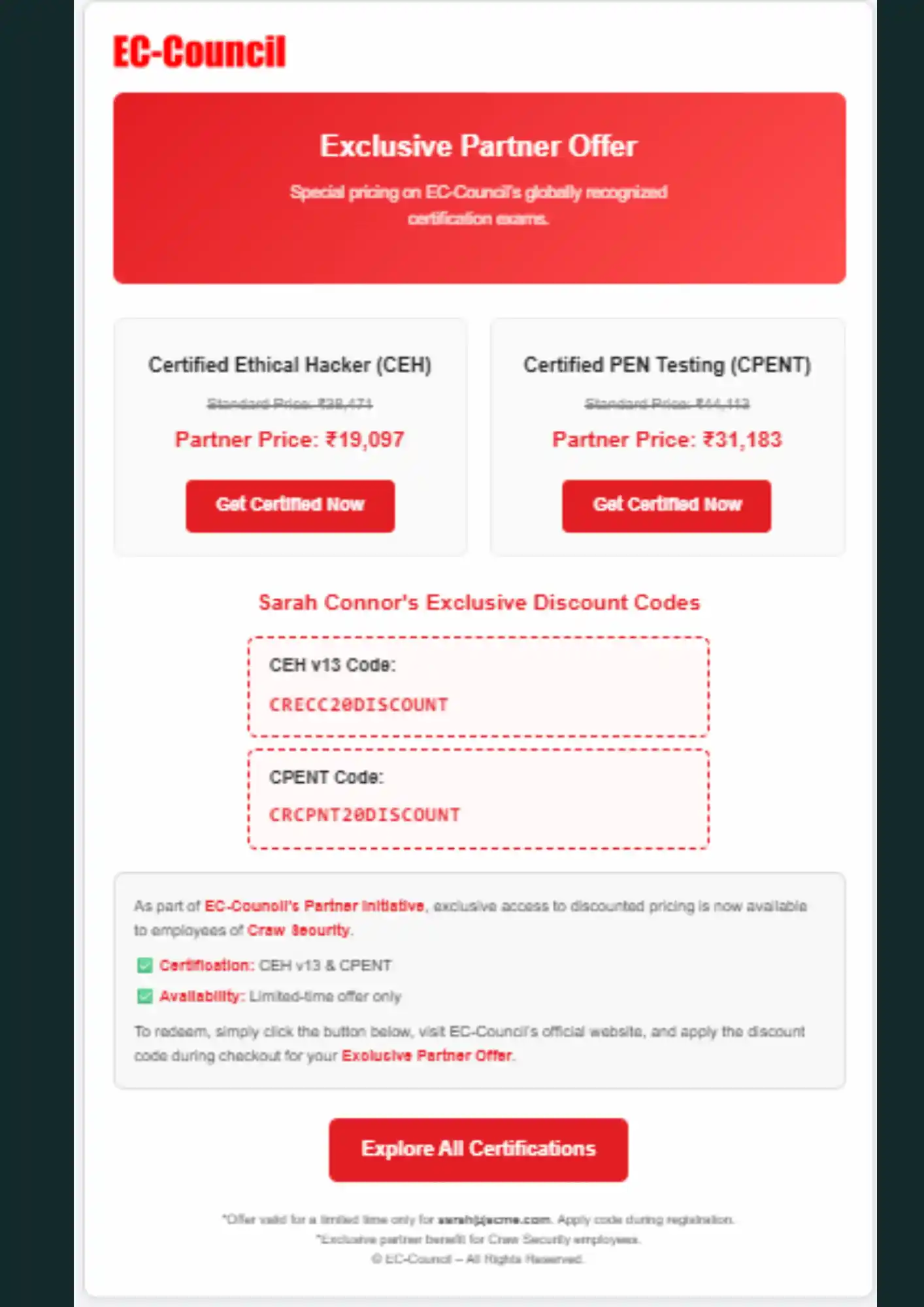
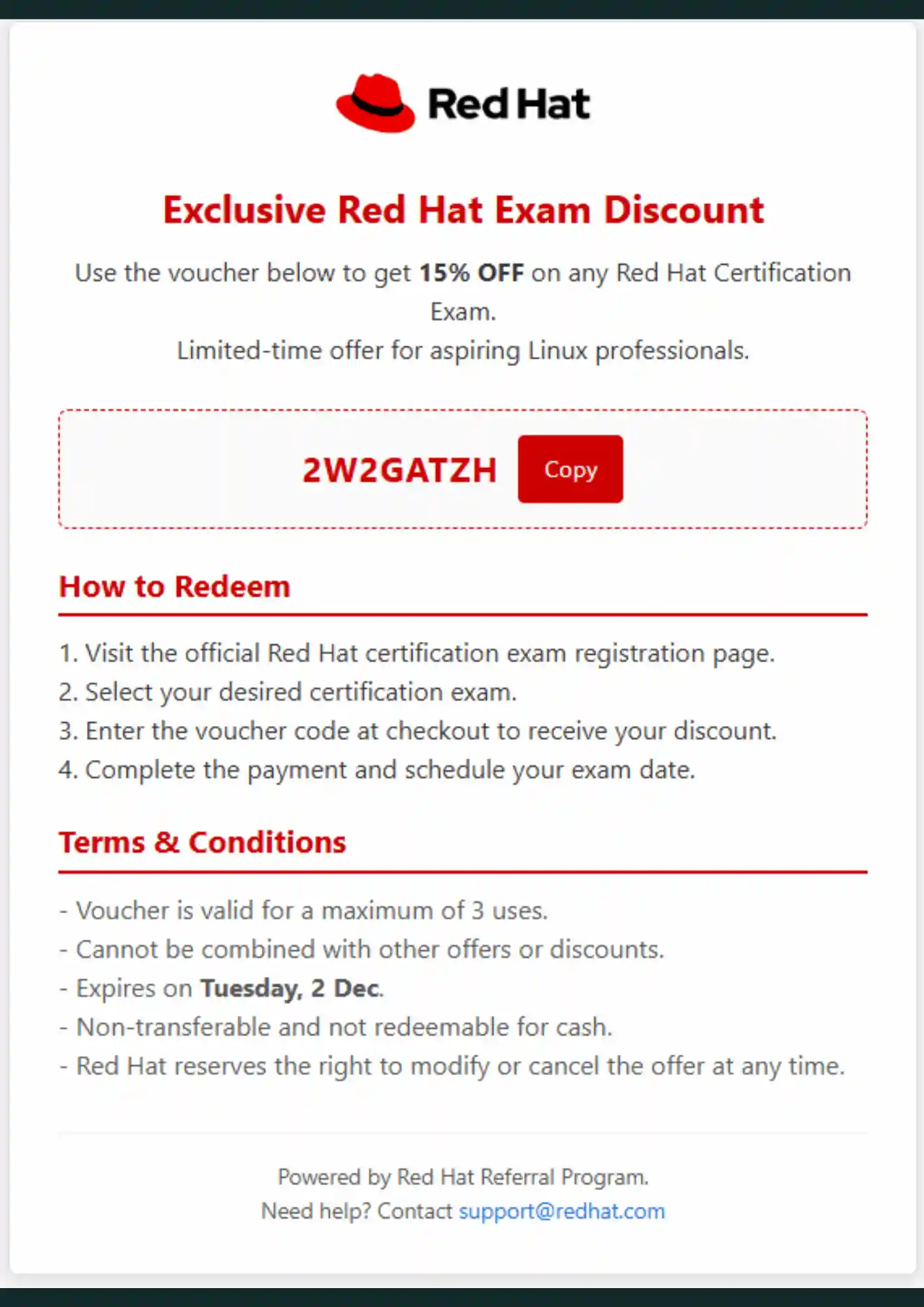
Rewards and prizes
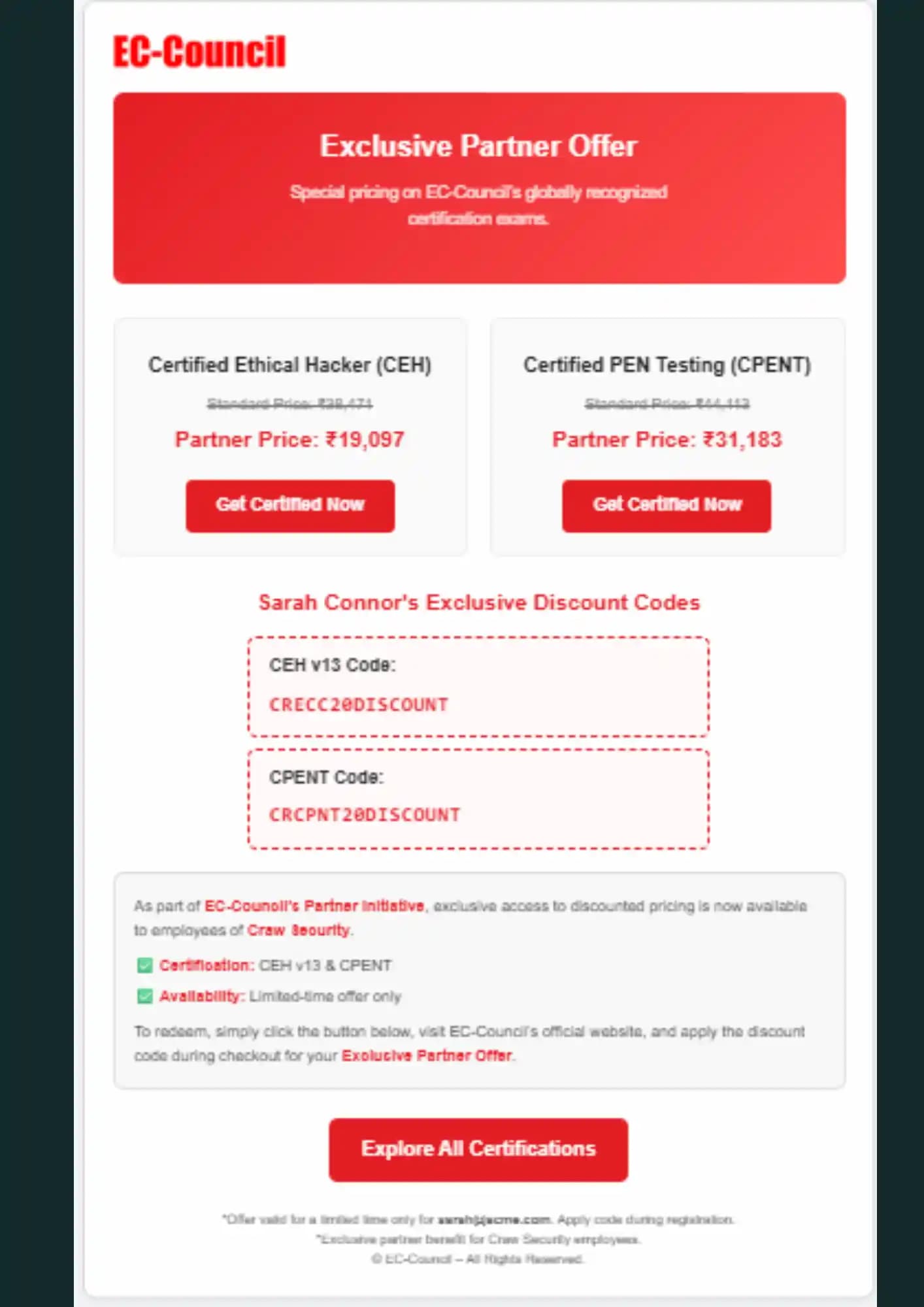
Lottery wins and special offers that test curiosity and greed.
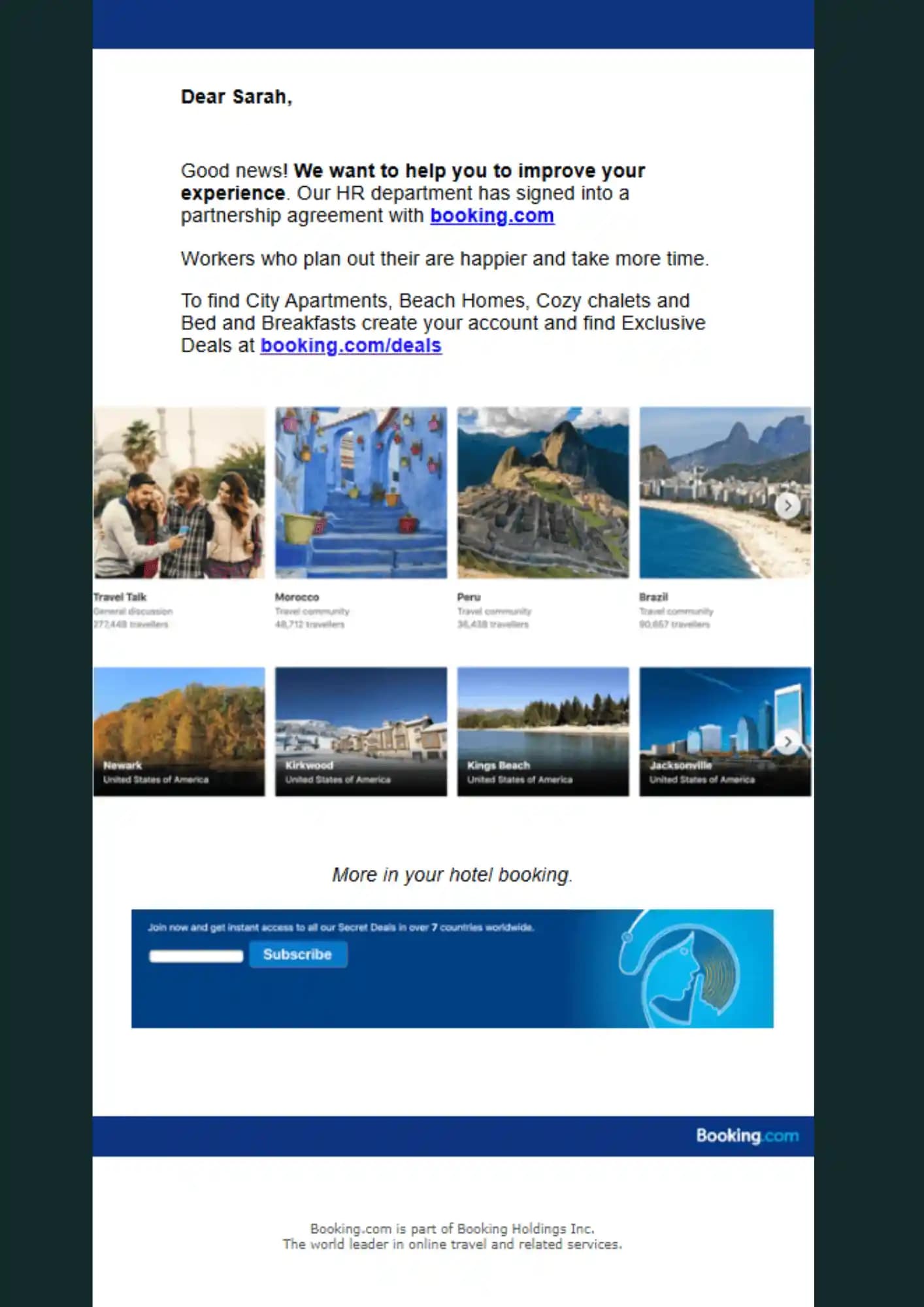
Document sharing
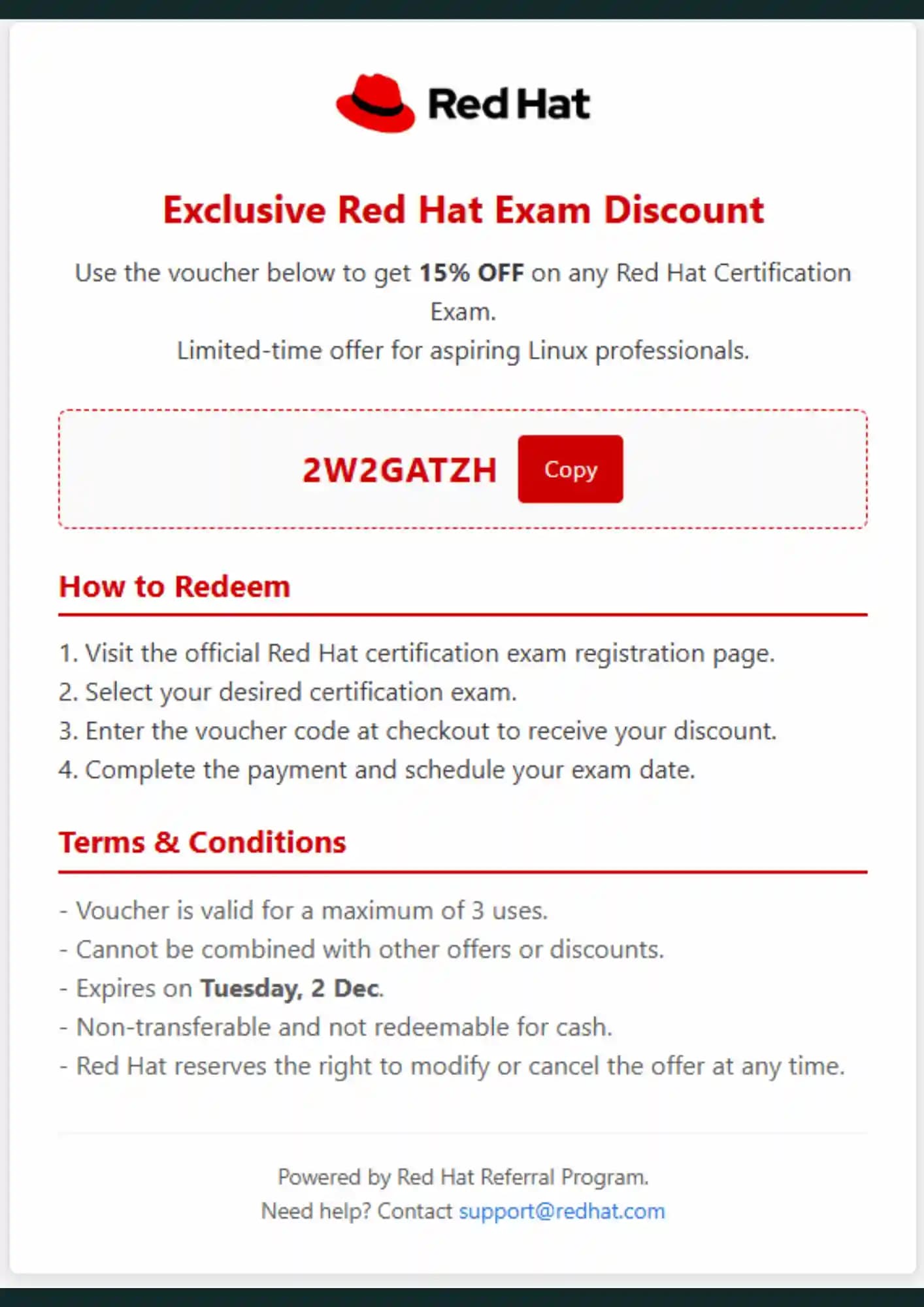
File-share notifications that mimic popular platforms.
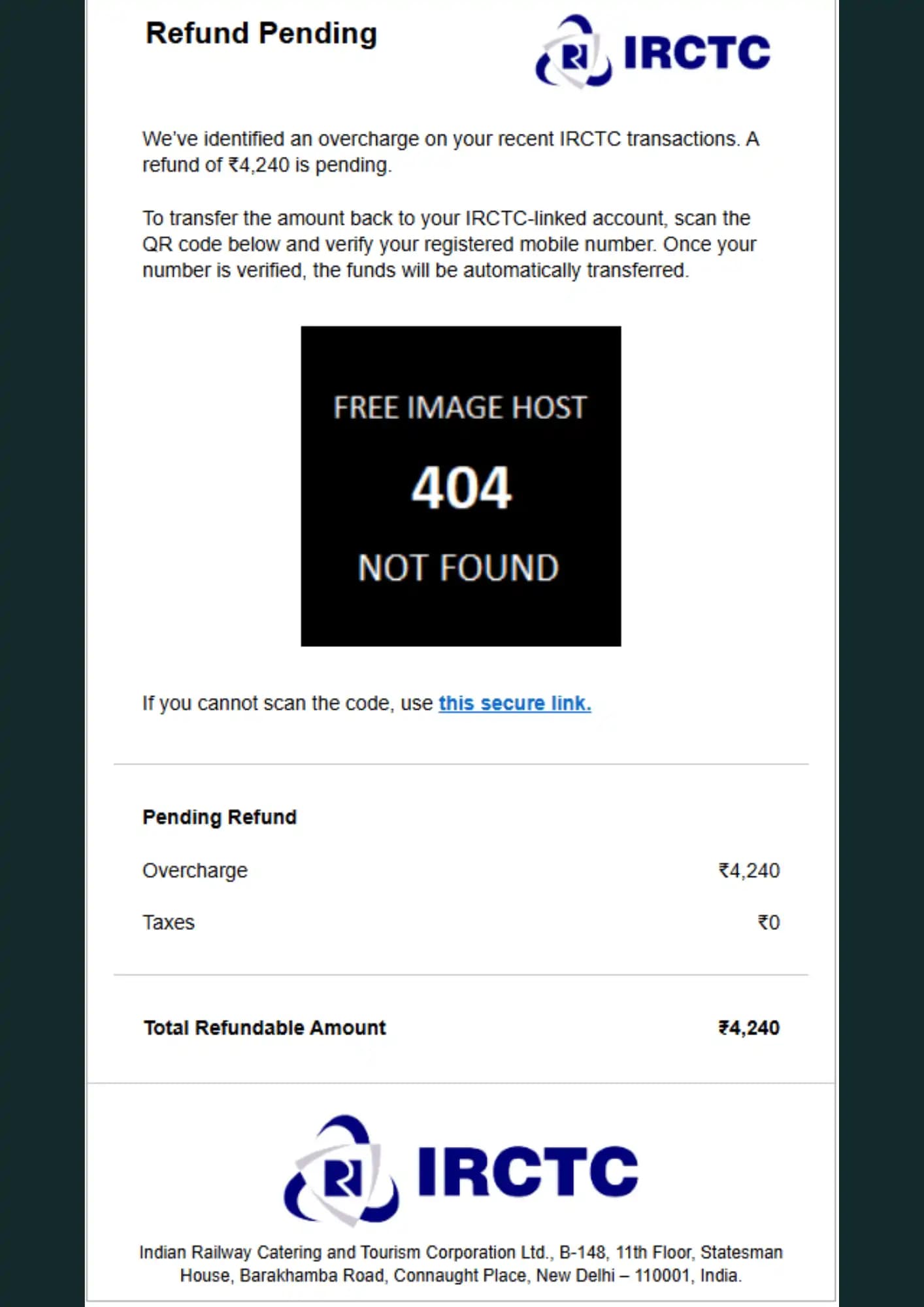
QR and credential harvesting
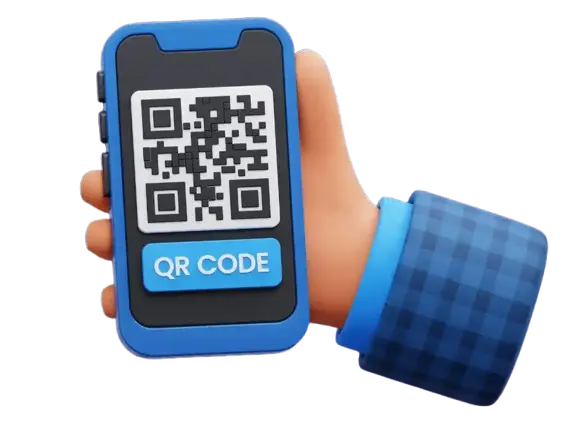
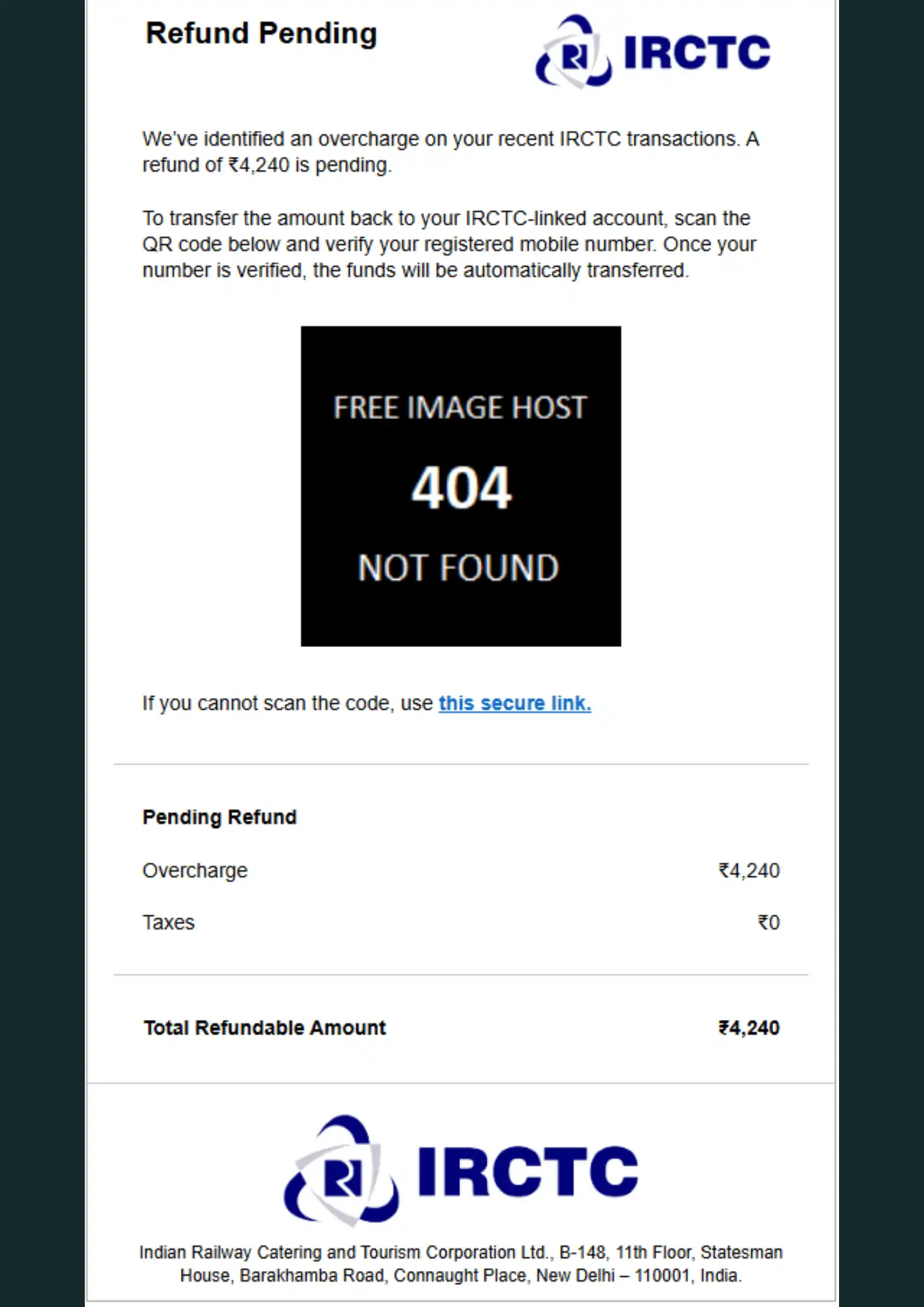
Scenarios that use QR codes, links and fake login pages to capture passwords.
A 90-day path from risky clicks to better habits
- 1
Baseline
Run an early campaign to learn click behaviour, credential submission, reporting activity and department-level risk.
- 2
Train at the moment of failure
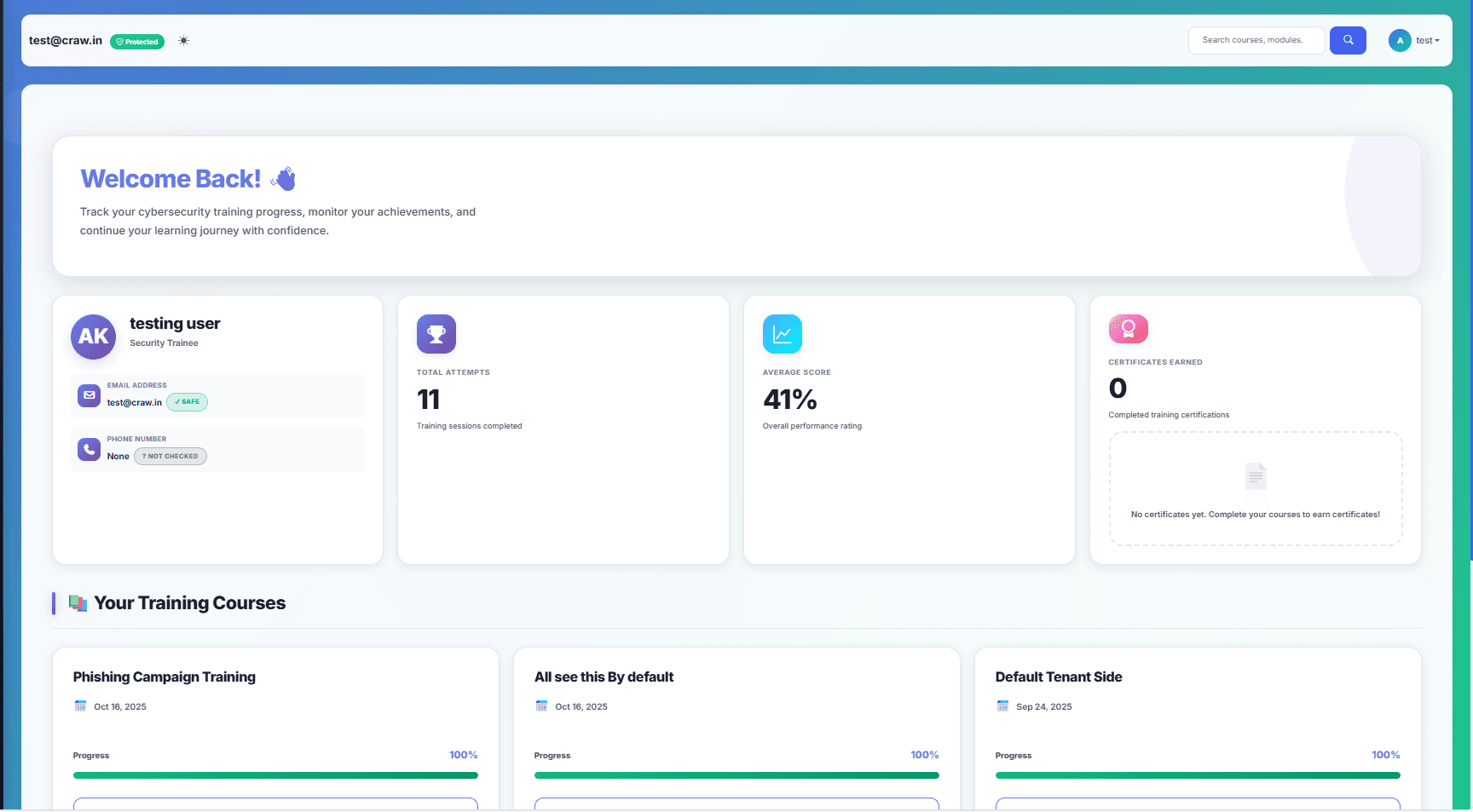
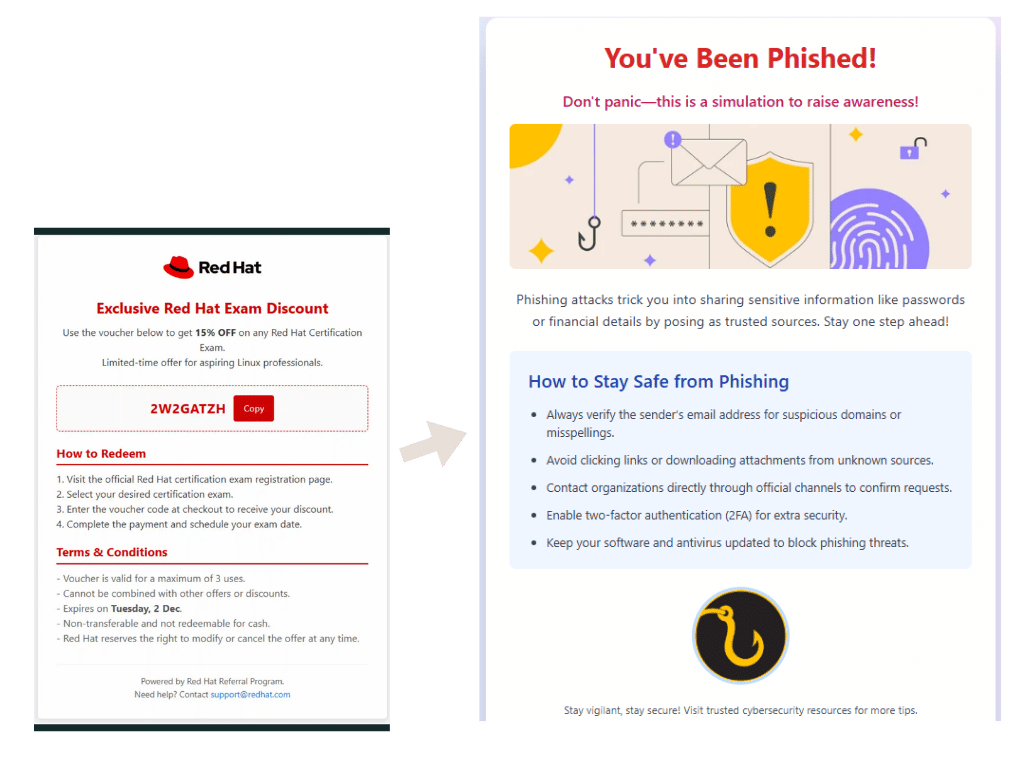
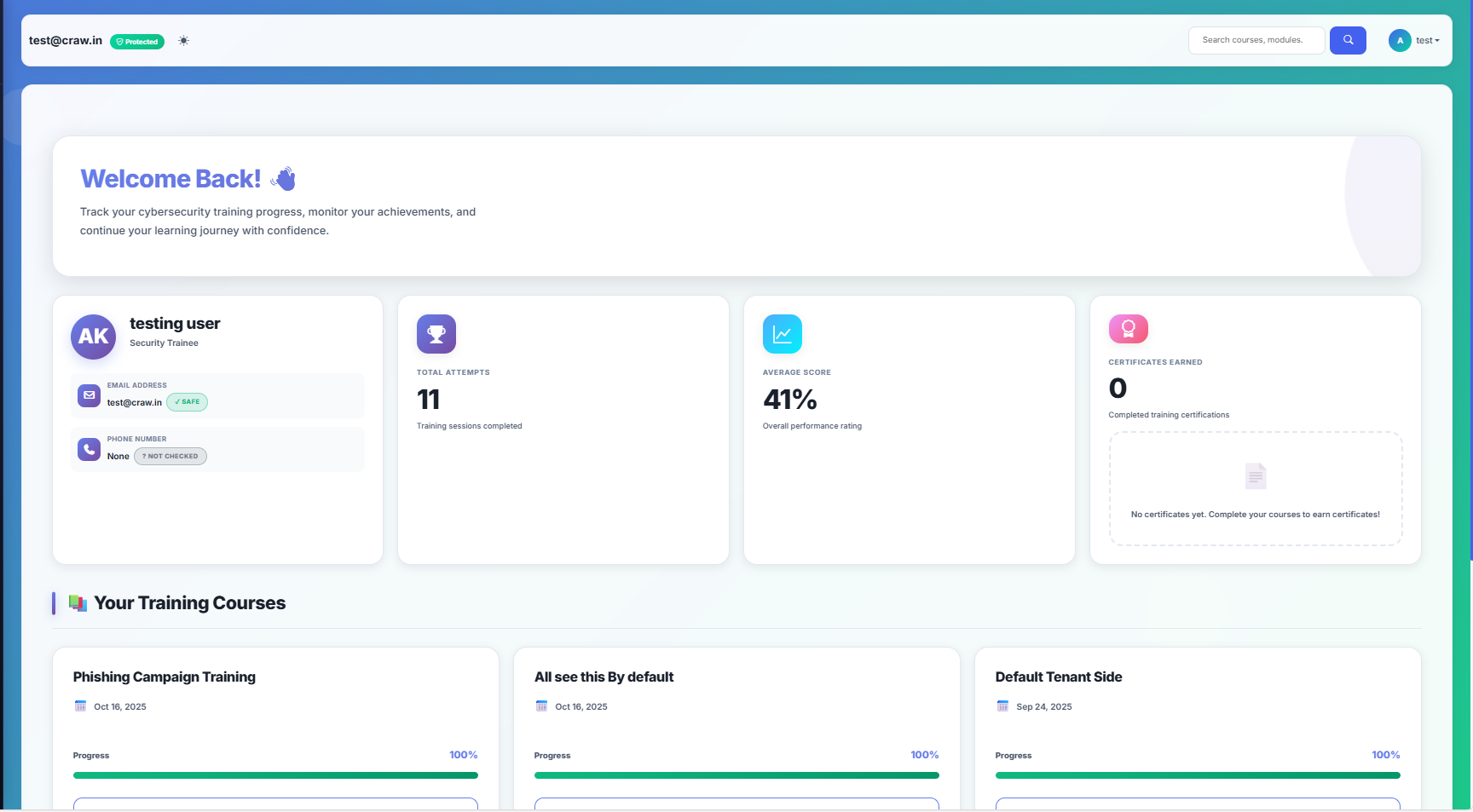
Anyone who falls for a simulation gets a short, focused lesson on that exact mistake instead of waiting for an annual session.
- 3
Measure and repeat
Follow repeat failures, reporting speed and training completion across further campaigns.
- 4
Reinforce
Use the one-click report button and refresher content so reporting becomes a habit, not an exception.
How the Human Risk Index is built
Click rate alone hides too much. PhishNext scores each person from 0 (lower risk) to 100 (higher risk) using four signals.
| Signal | Question it answers |
|---|---|
| Reporting speed | How fast does the person flag a suspicious message? |
| Attack difficulty | Did they fail a basic lure or a targeted spear-phishing attempt? |
| Repeat failures | Are they learning, or repeating the same mistake? |
| Role and access | How much damage could follow if this account were compromised? |
Reports, training and compliance evidence
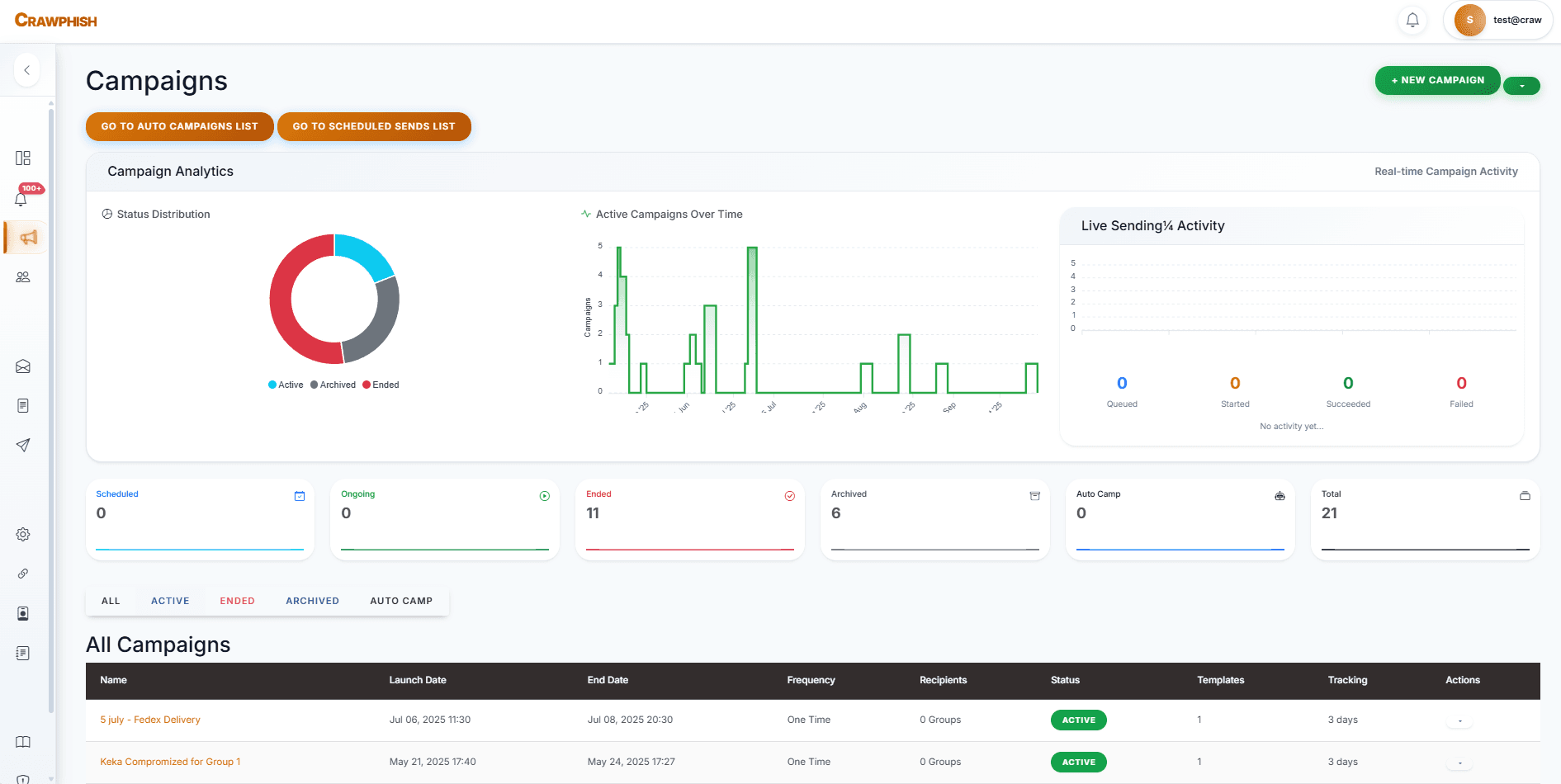
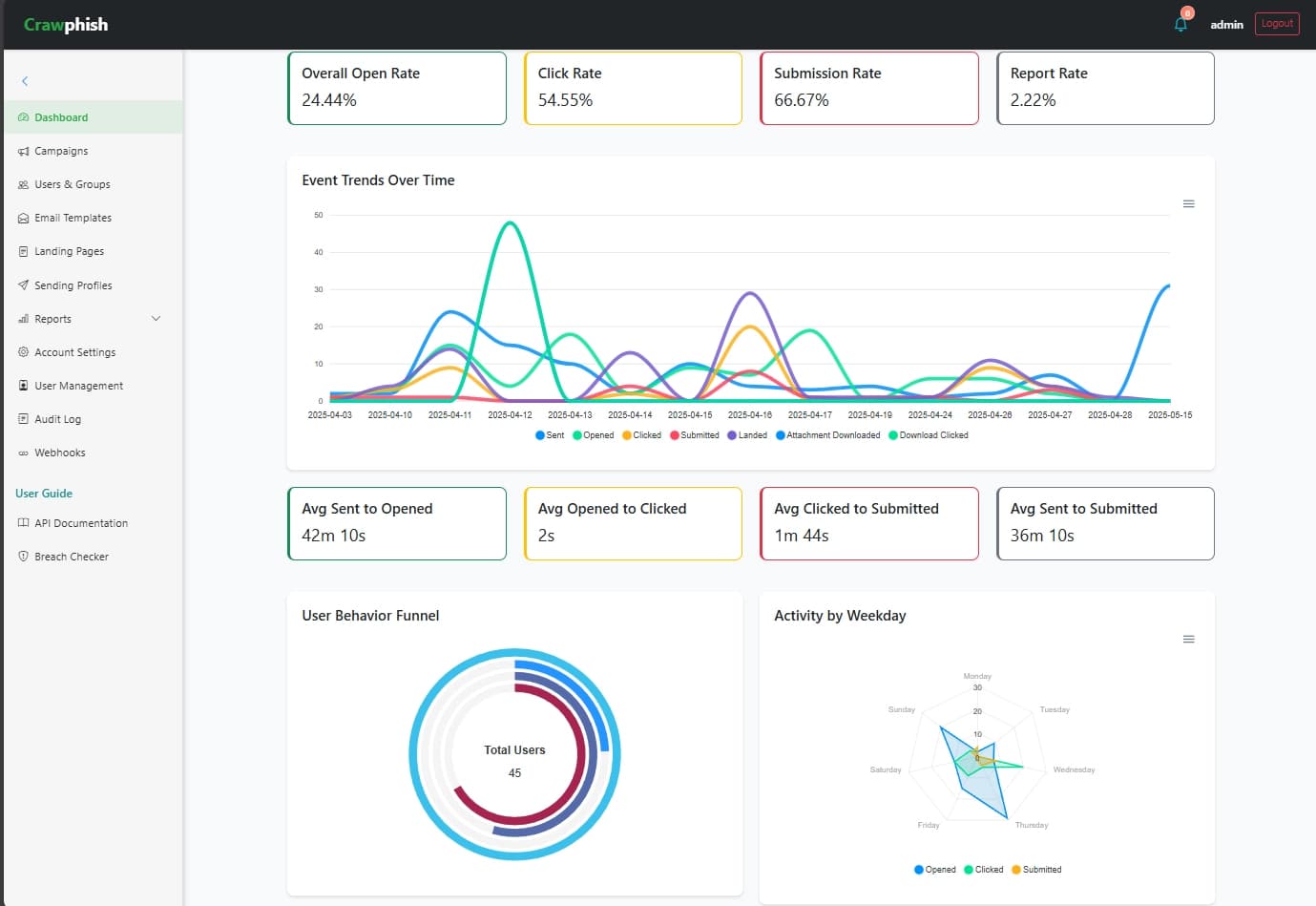
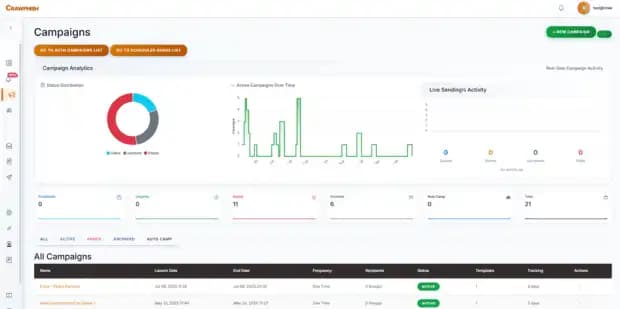
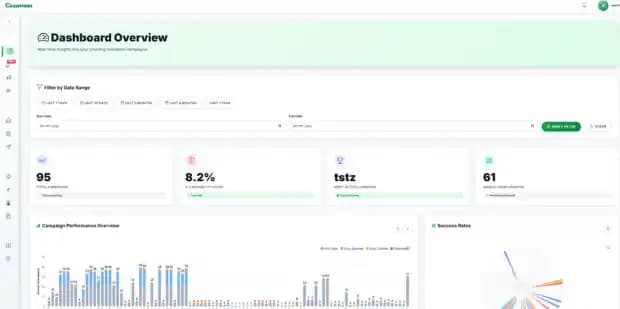
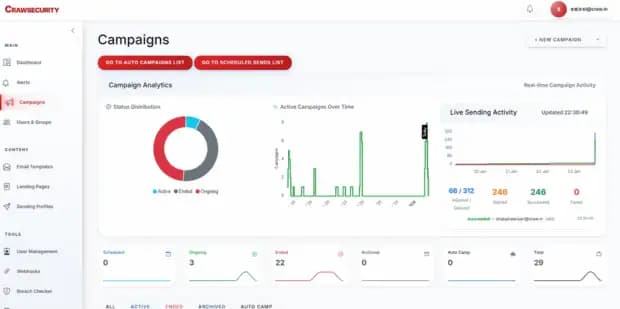
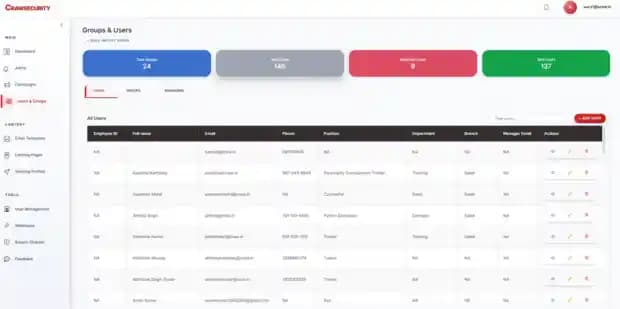
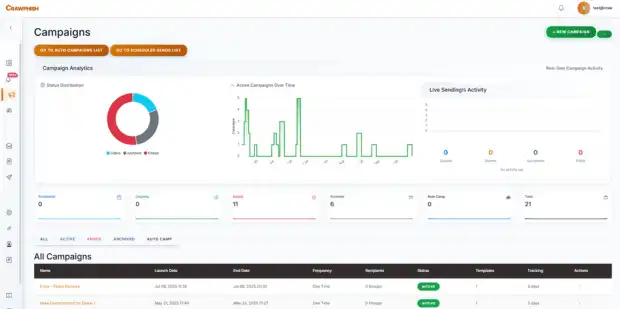
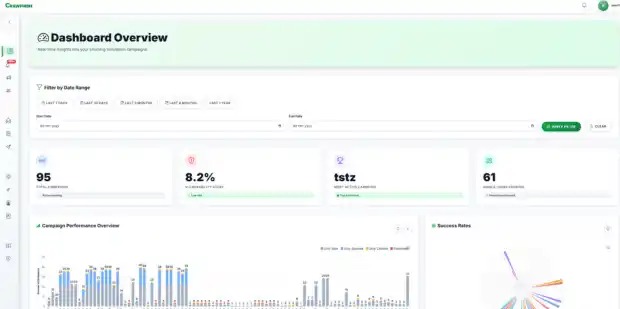
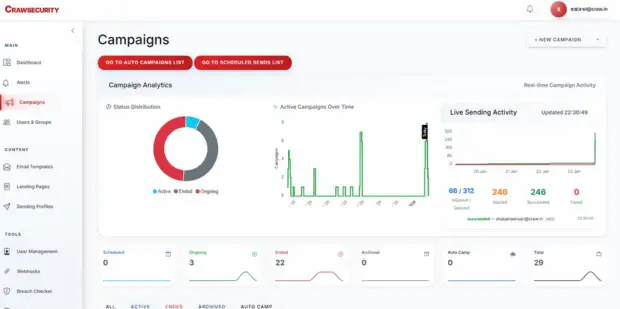
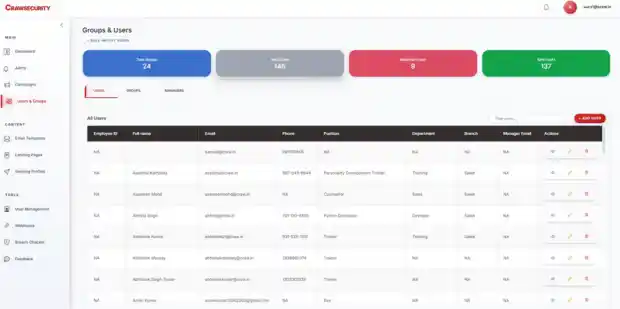
Training can be auto-assigned to users who click or submit credentials, with quizzes, a course library, progress tracking and downloadable completion certificates. The dashboard shows live counters, charts and heatmaps, and reports can be exported as PDF. Webhooks and a REST API let you push events into Slack or your own tools.
For audits, campaign histories and training records can support evidence for frameworks such as ISO/IEC 27001:2022, SOC 2 Type II, India's DPDP Act 2023 and CERT-In guidance on awareness and phishing preparedness. The platform also includes browser detection and response features aimed at phishing pages, fake login screens and risky downloads.
Sectors that use this service
- Banking, financial services and insurance
- IT and software companies
- Healthcare and pharmaceuticals
- Government agencies
- Education
- Retail and e-commerce
- Manufacturing and logistics

Photos and highlights
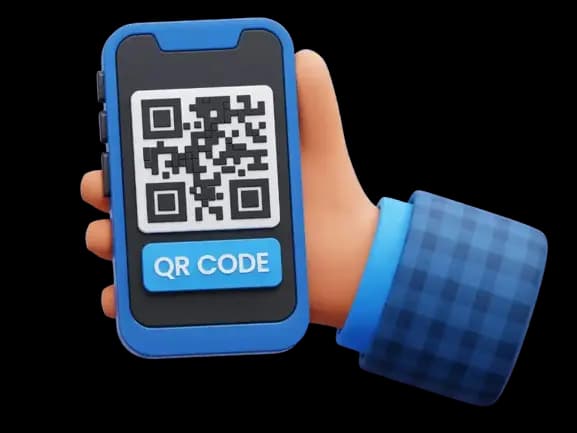
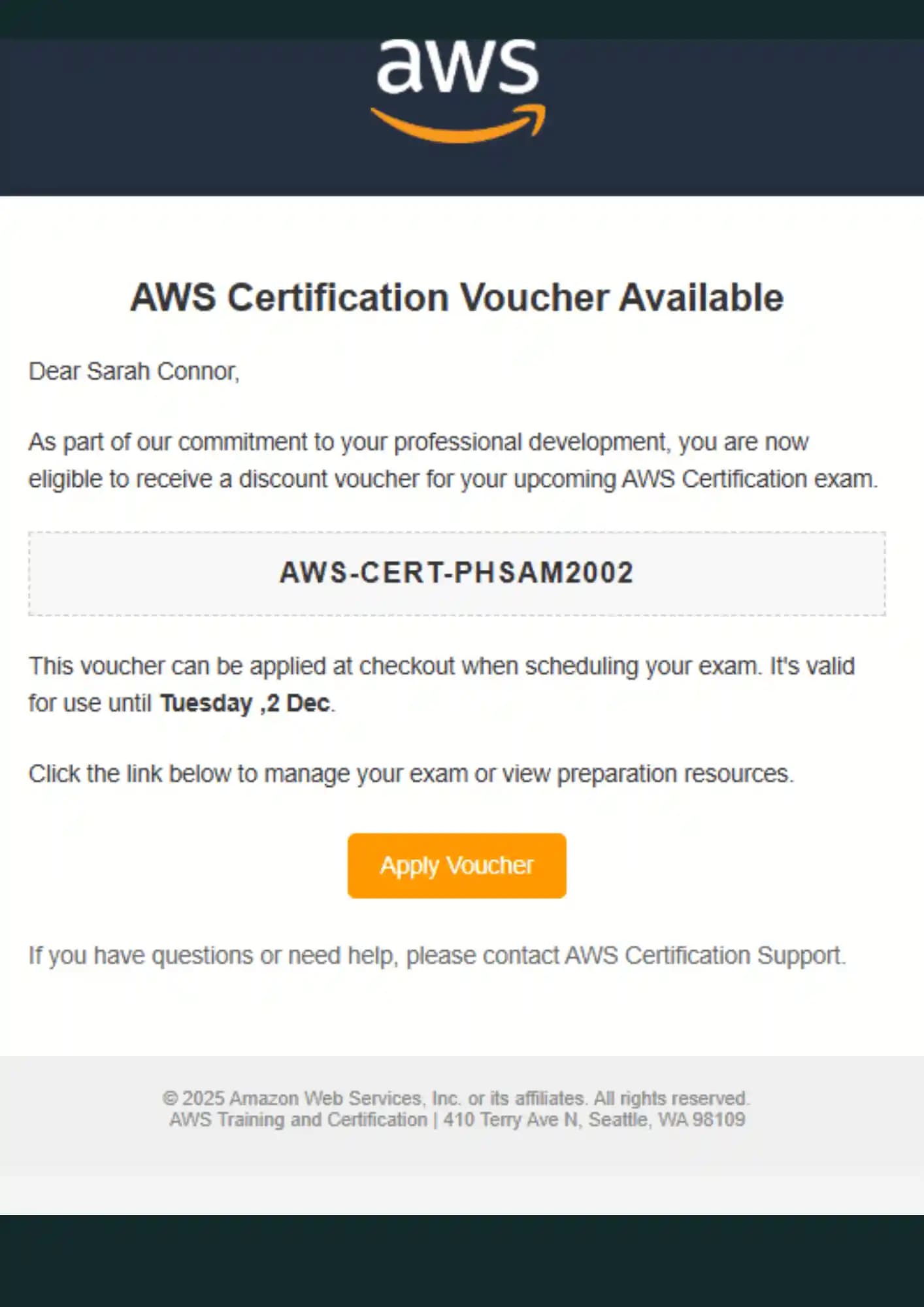
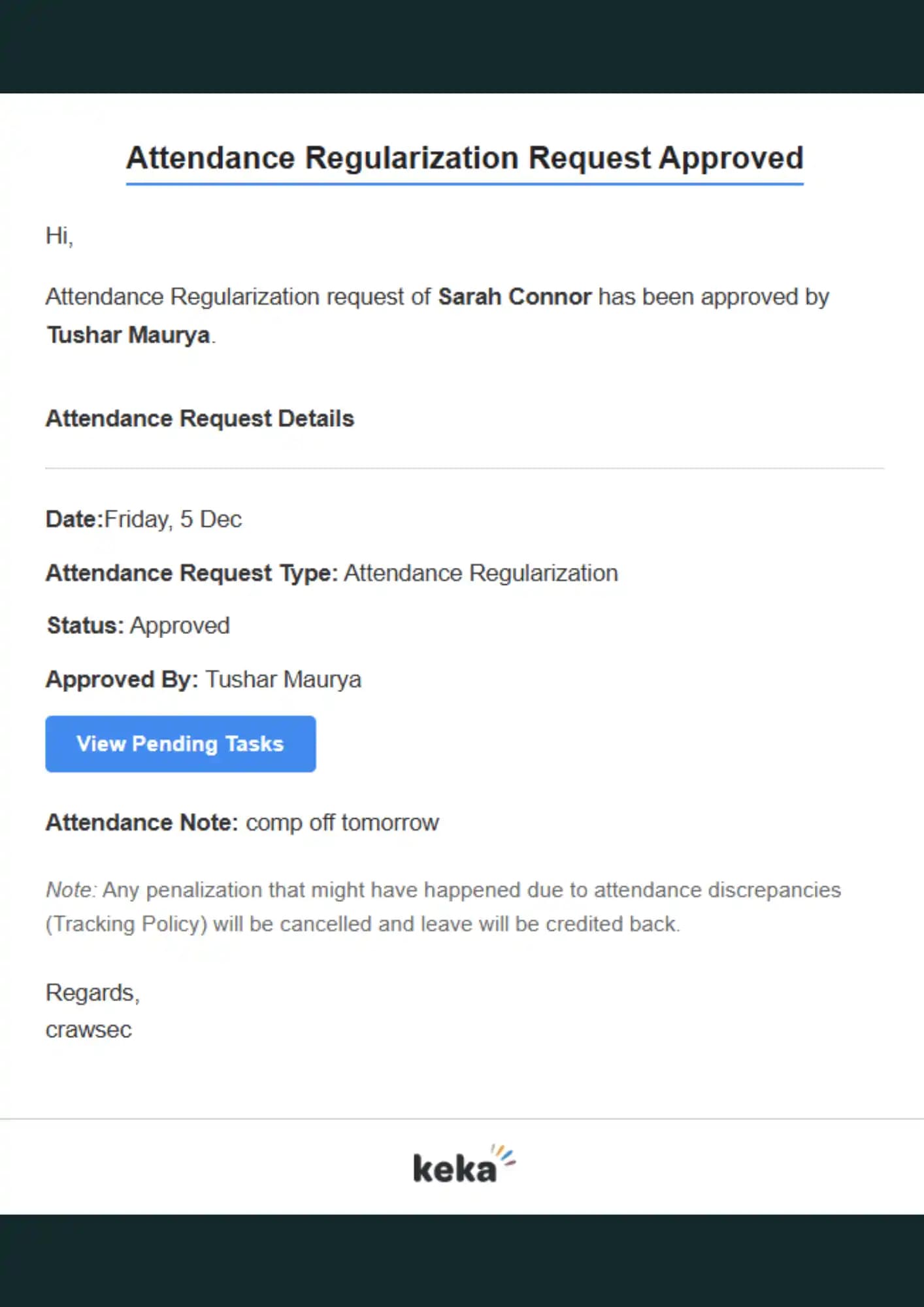
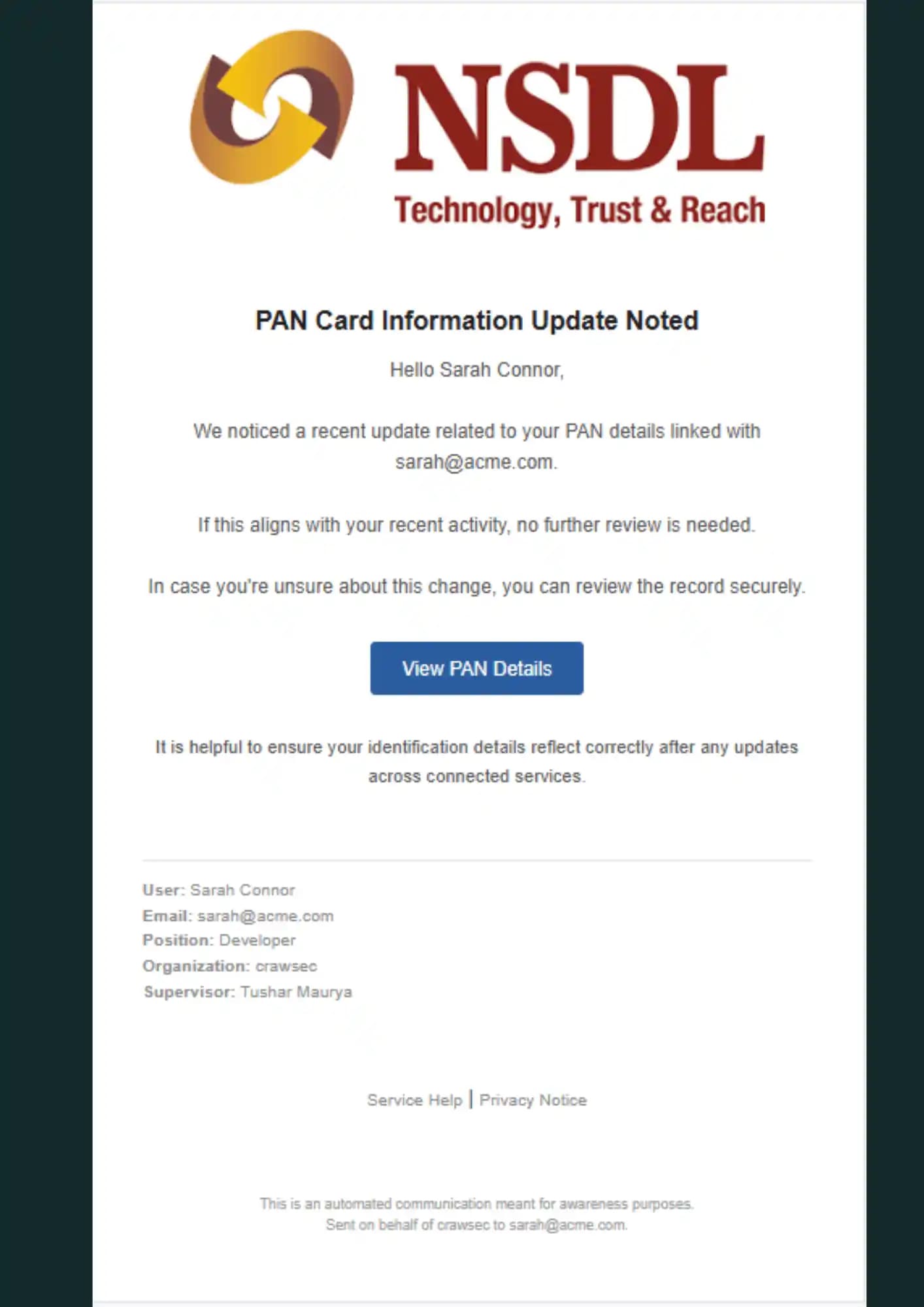
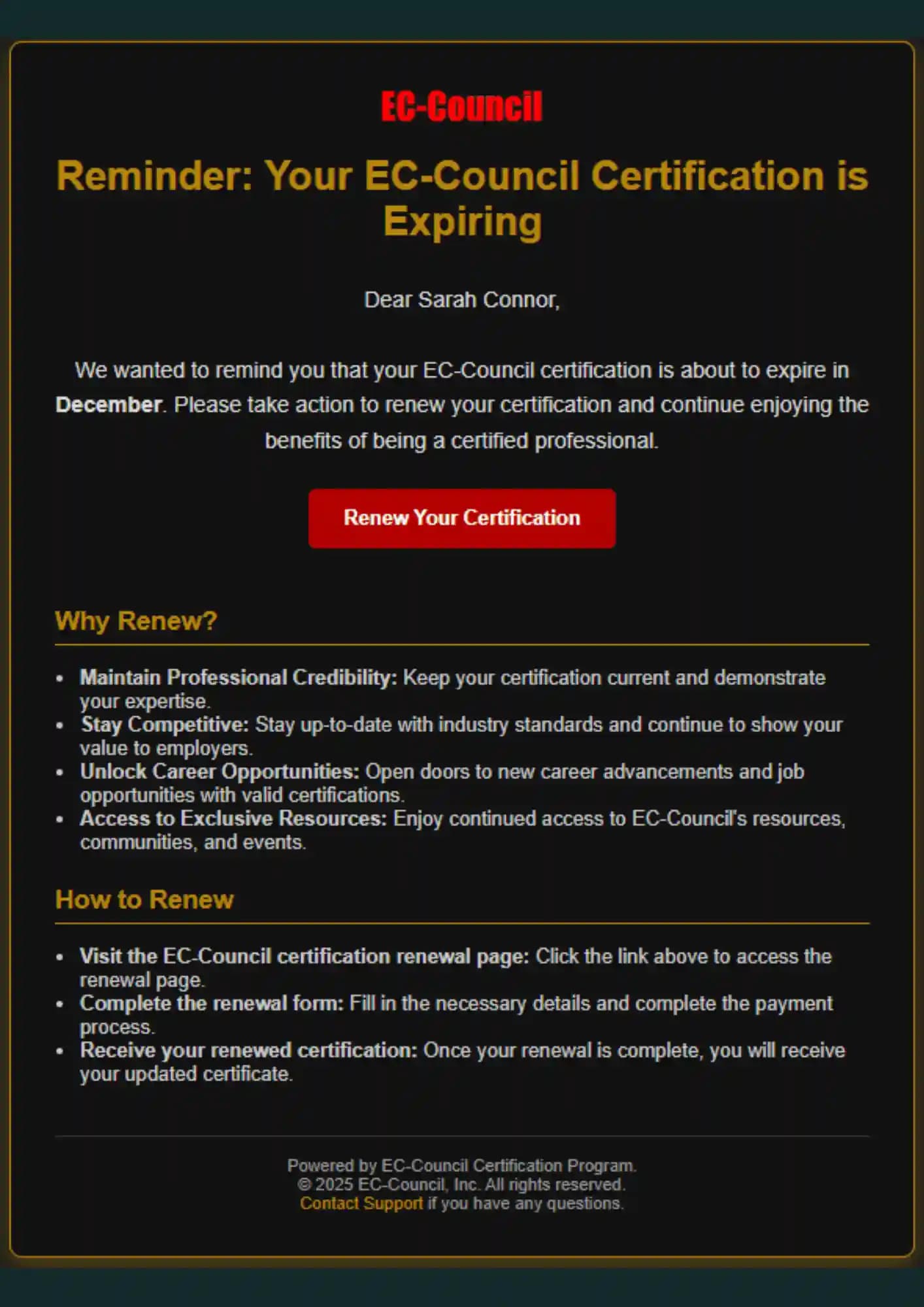
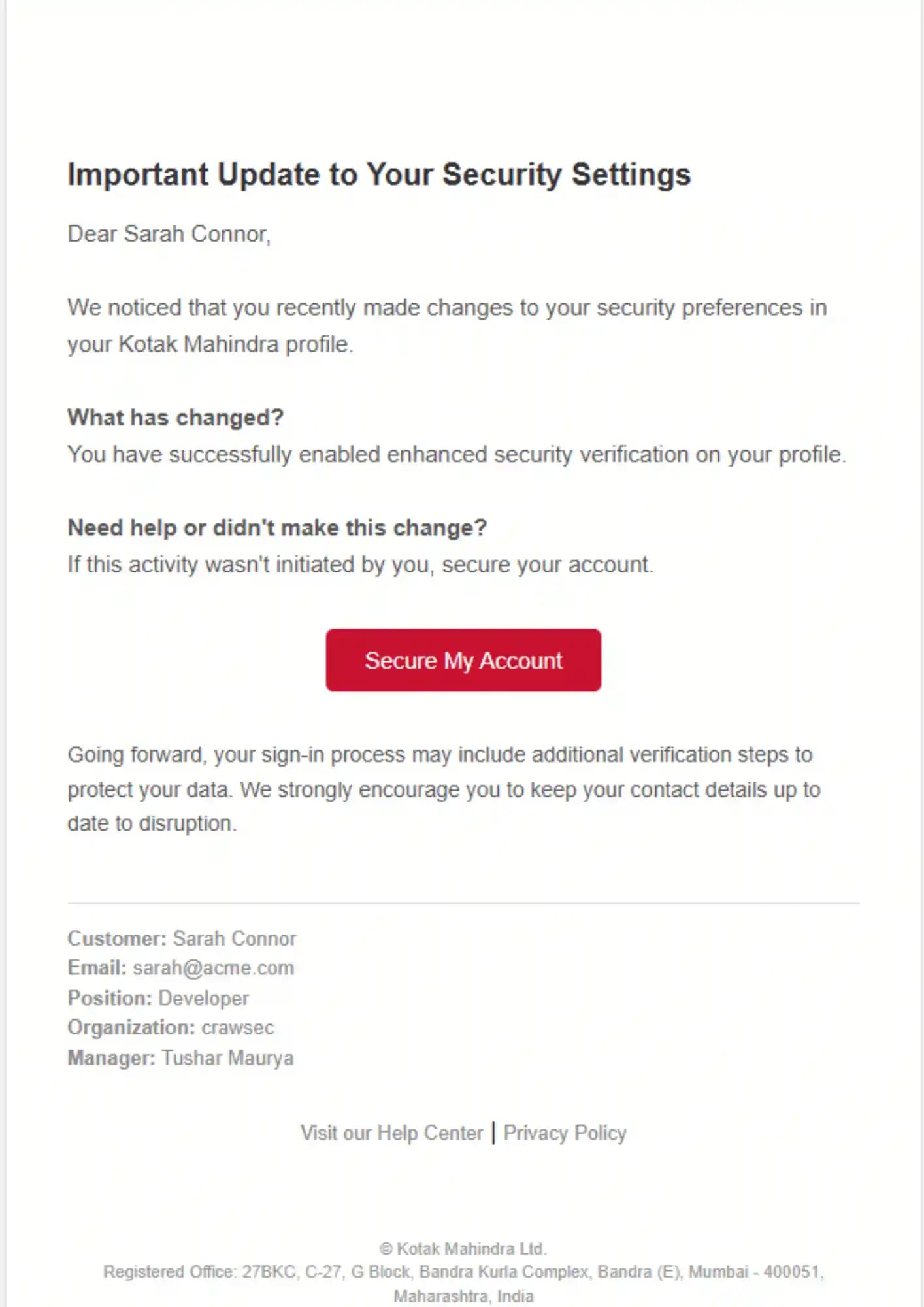
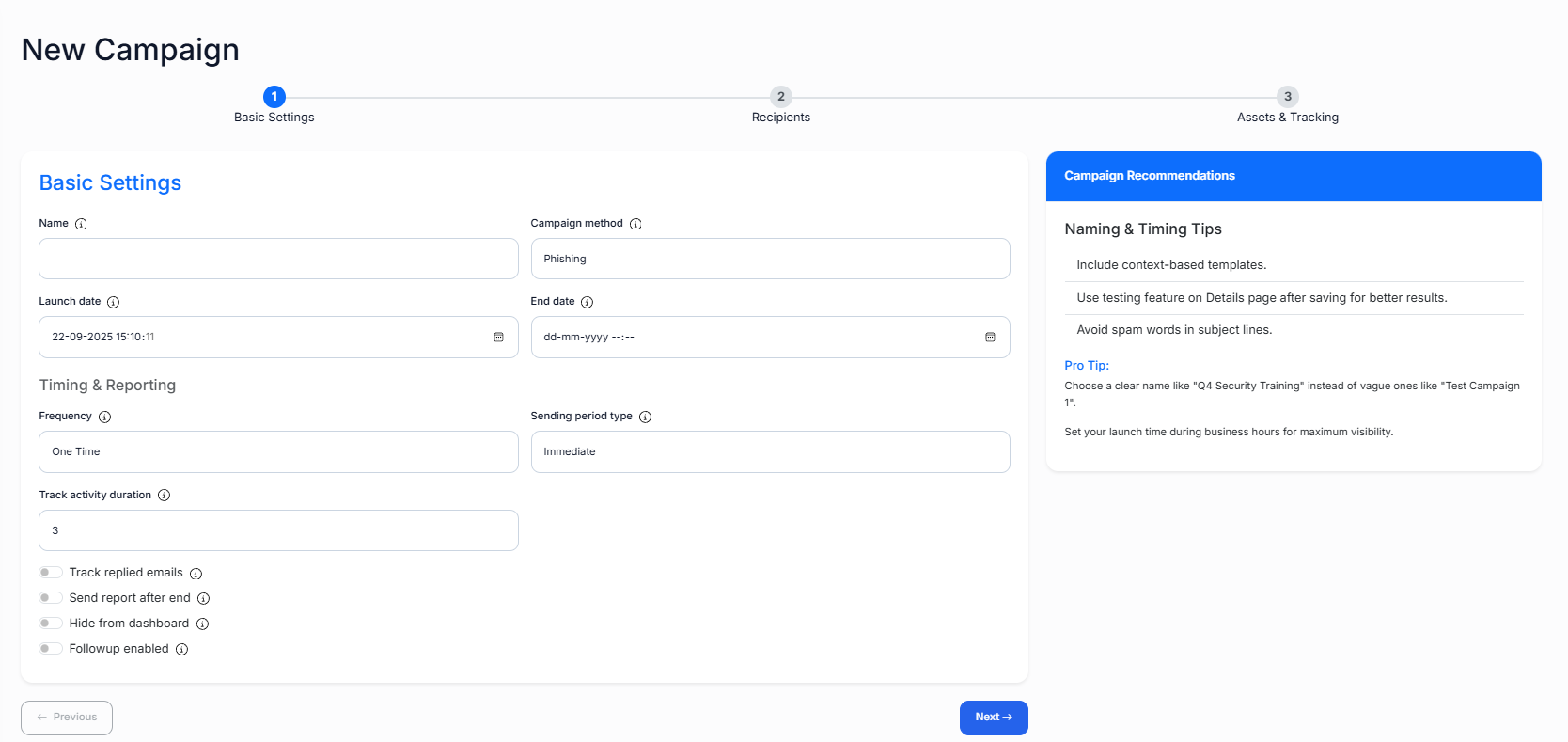
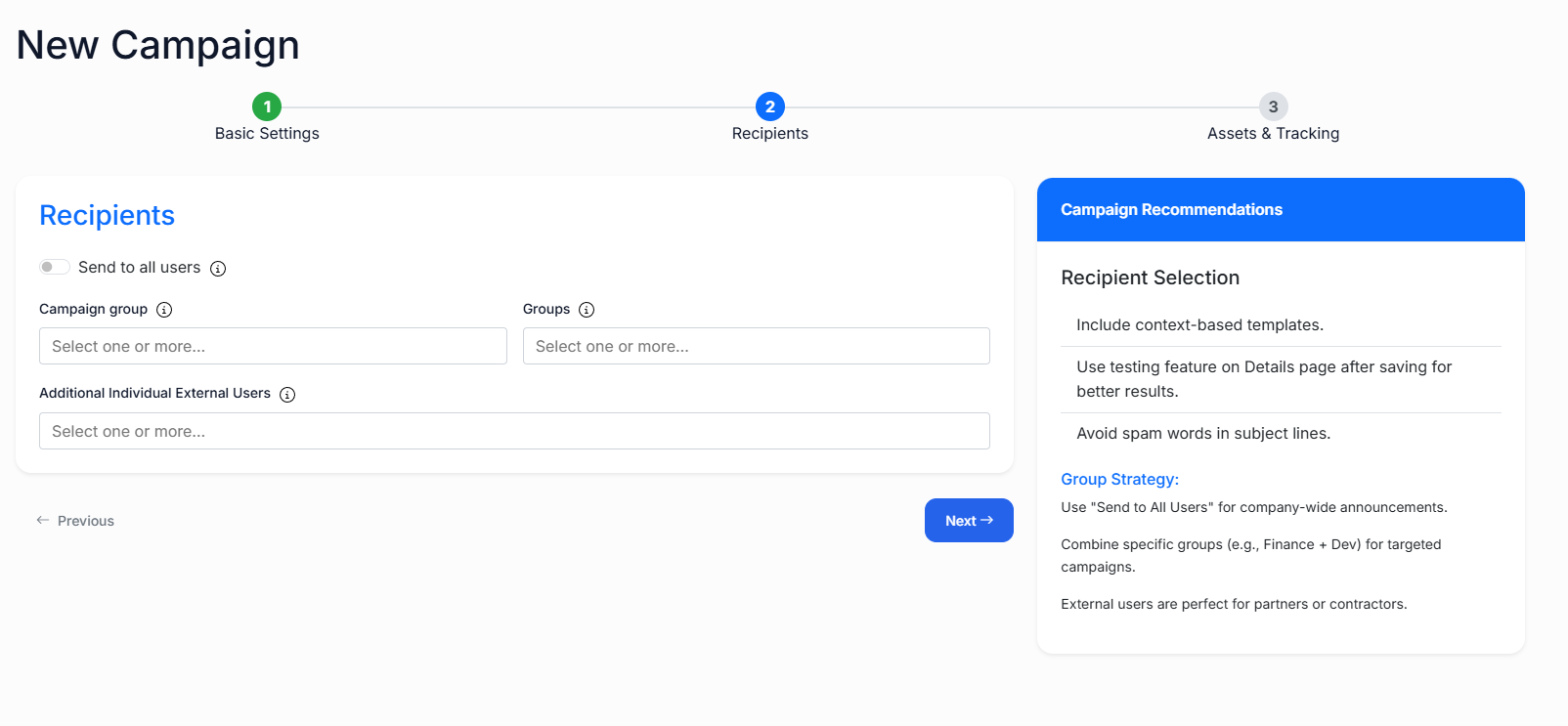
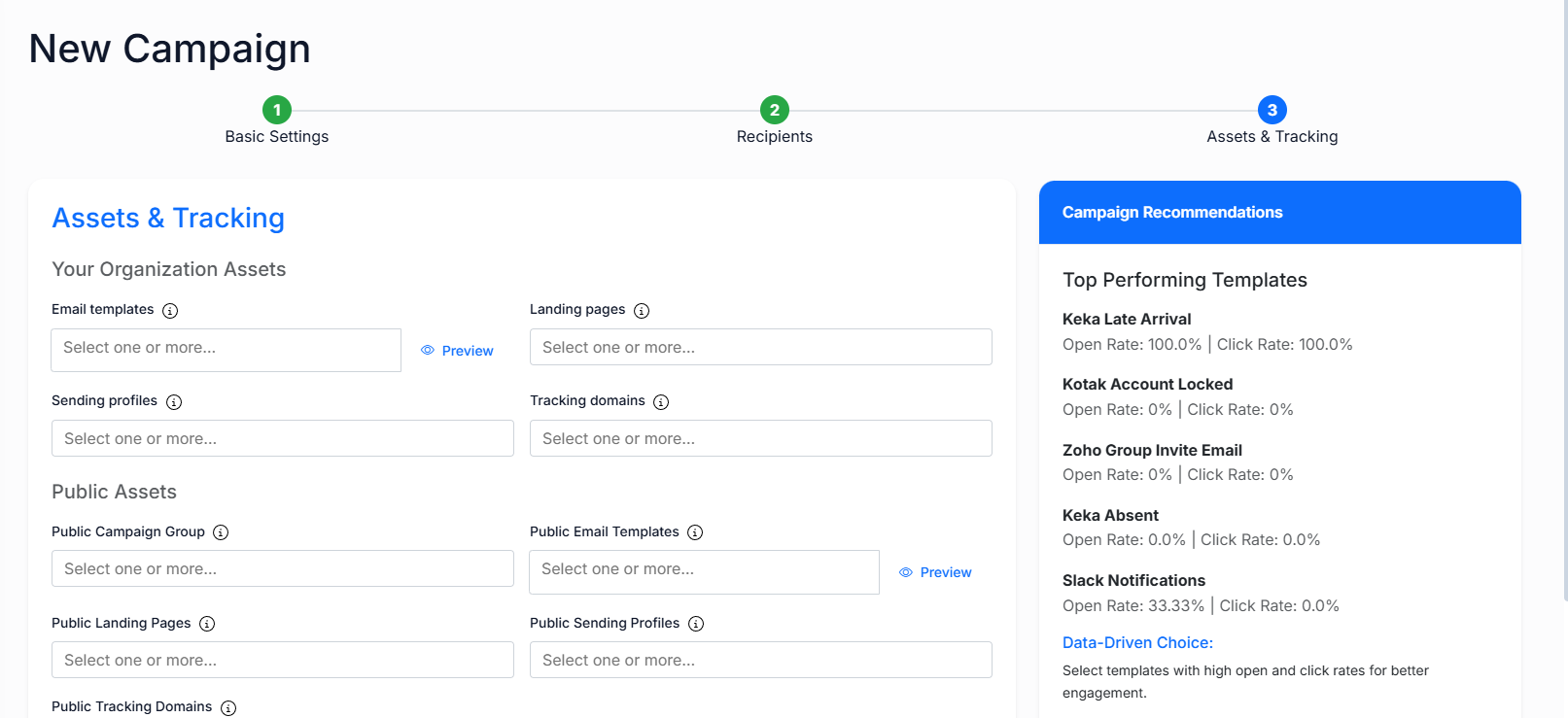
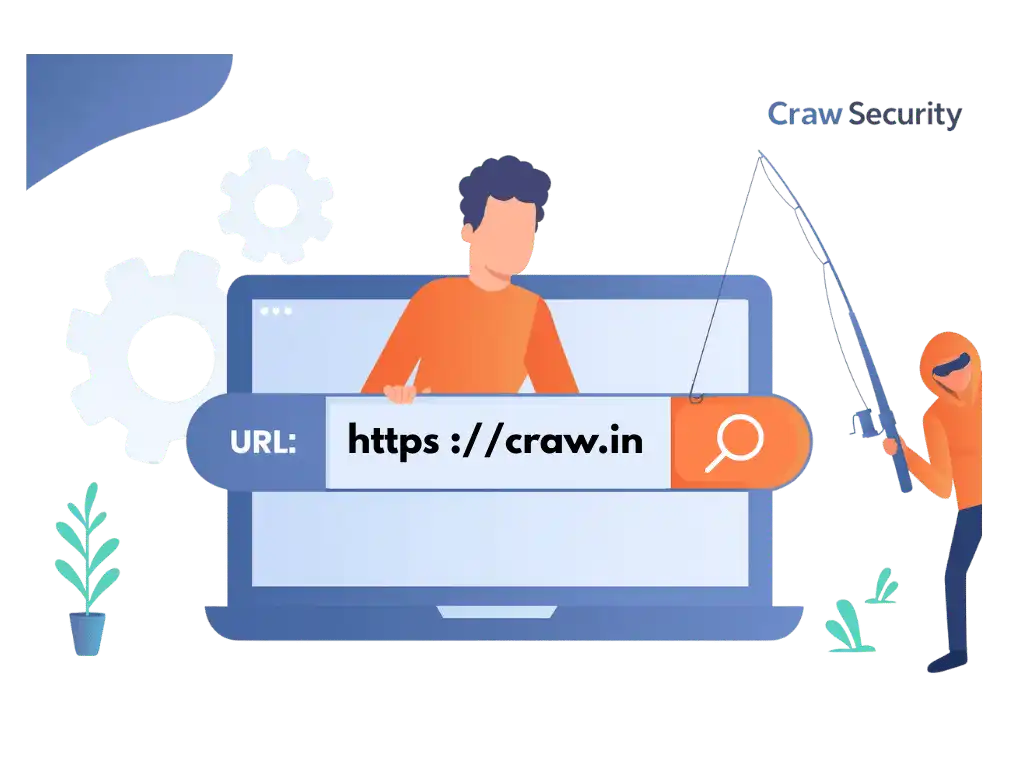
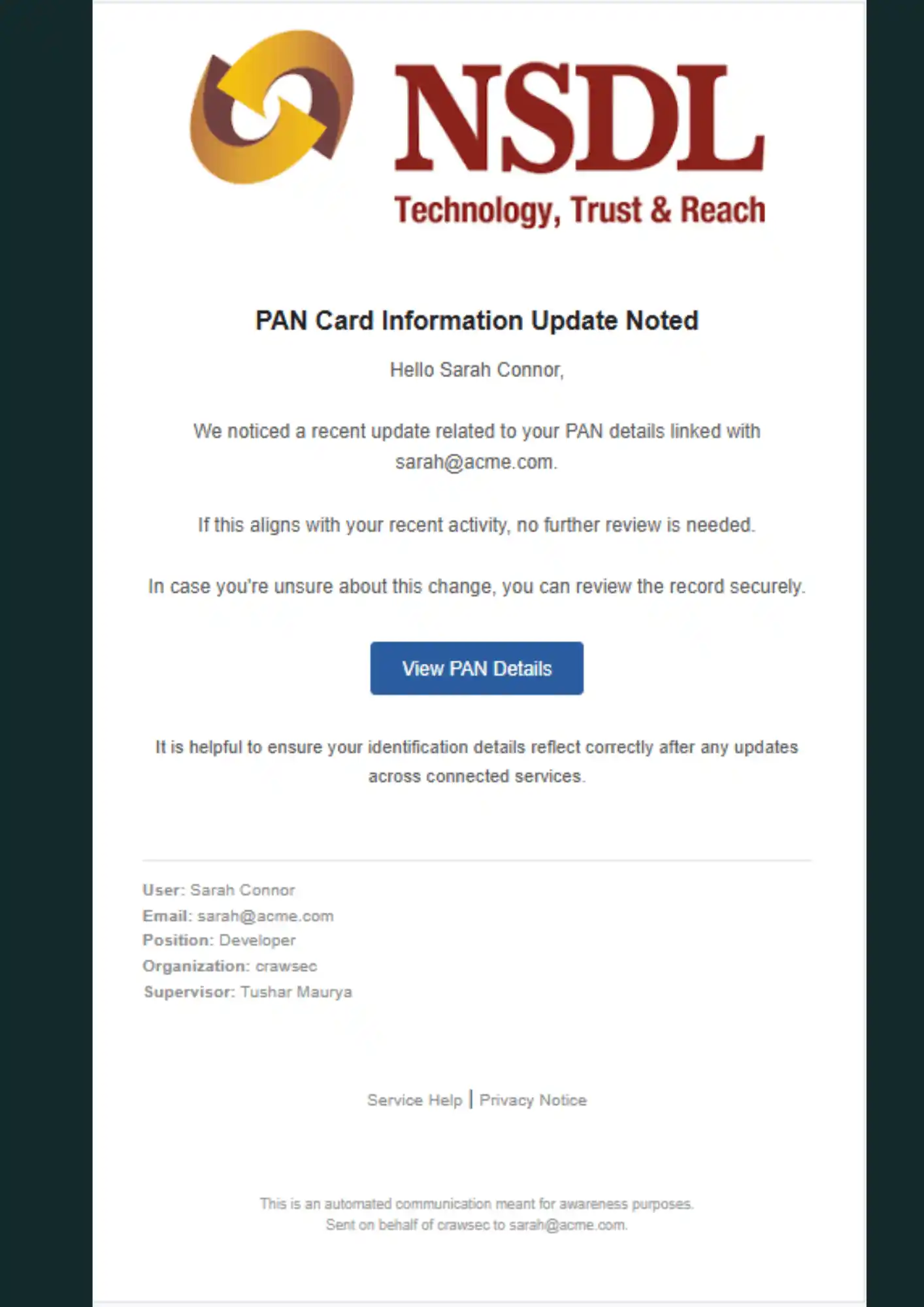
QR-based Phishing
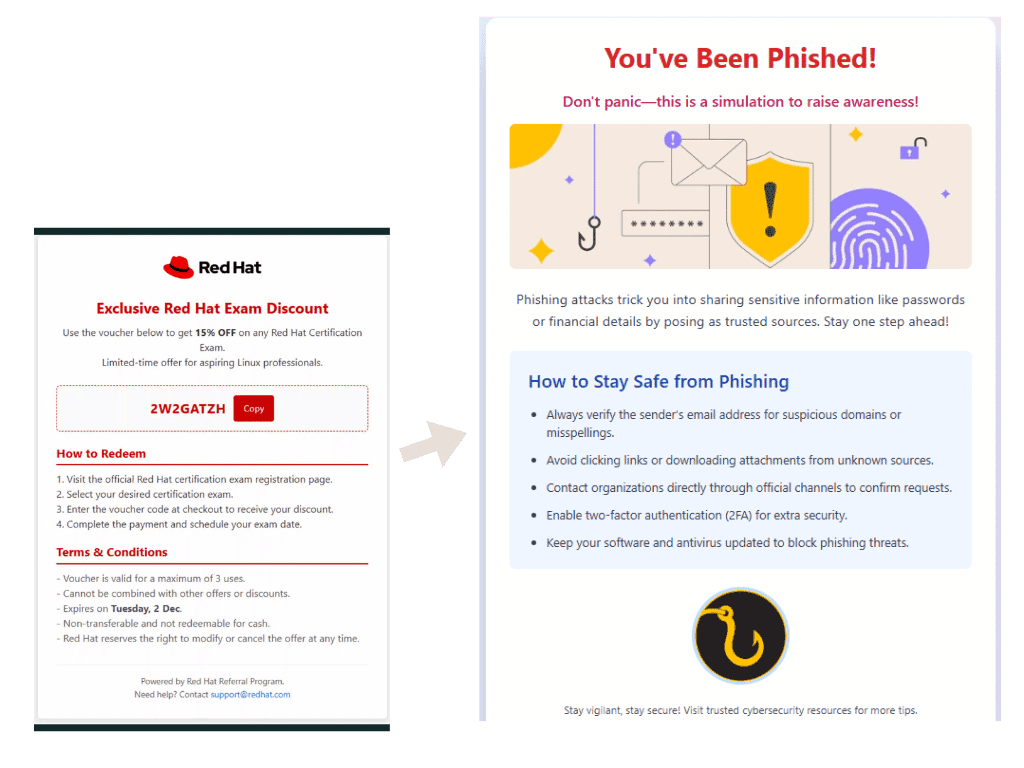
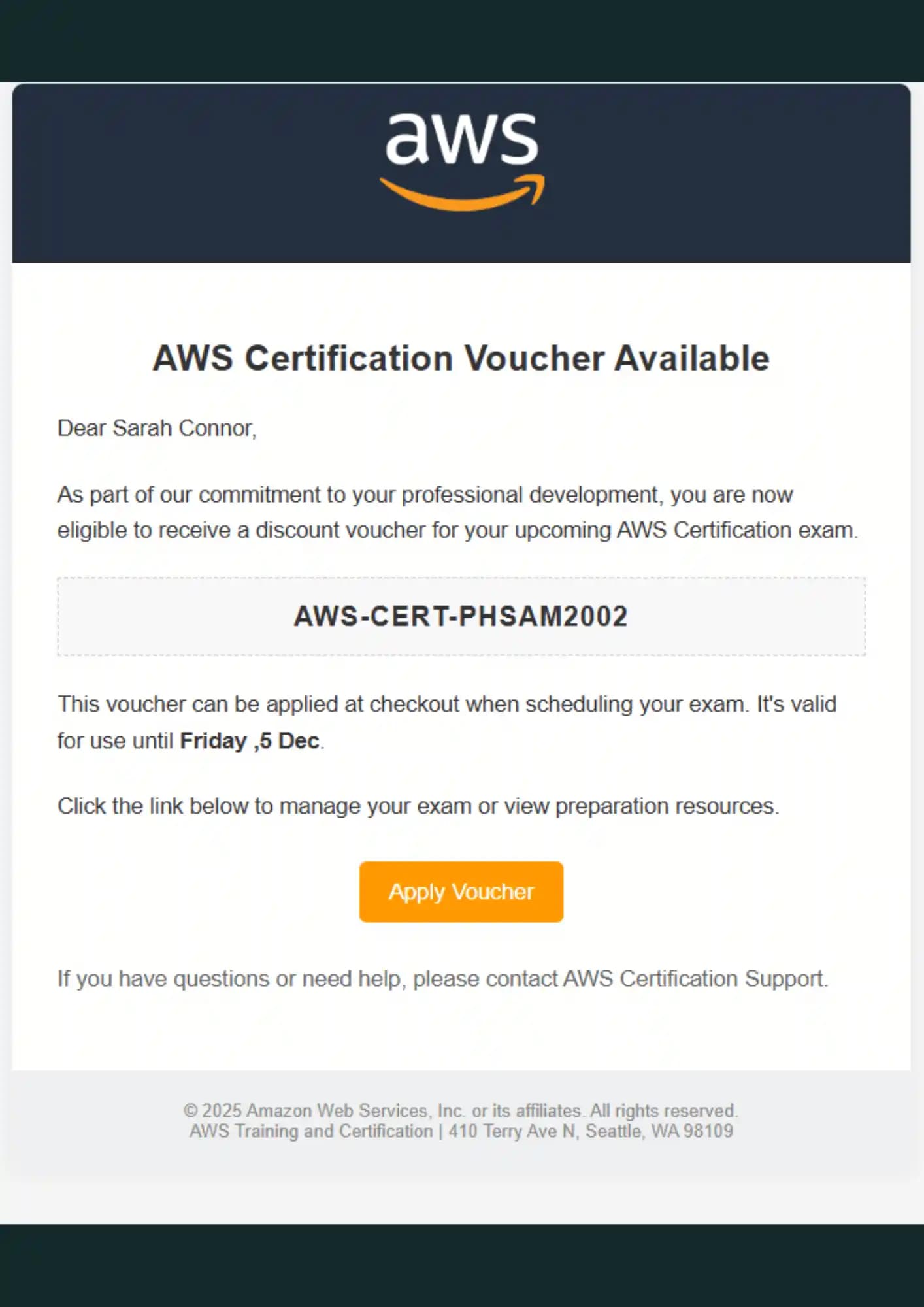
Template-based Phishing
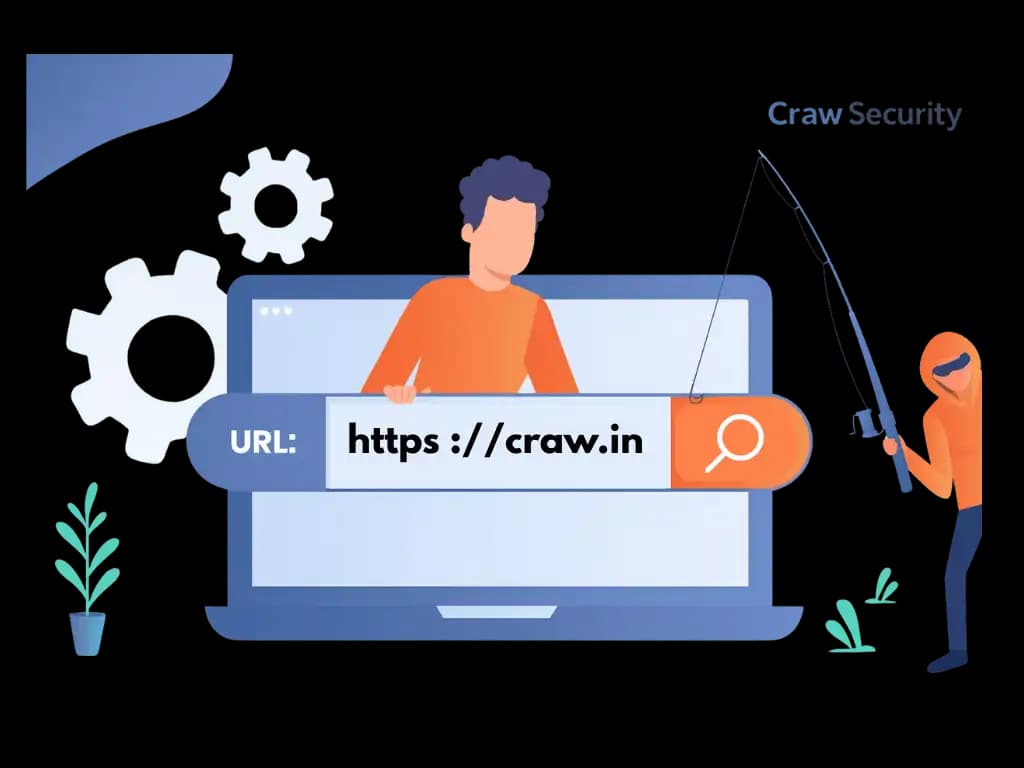
Link-based Phishing
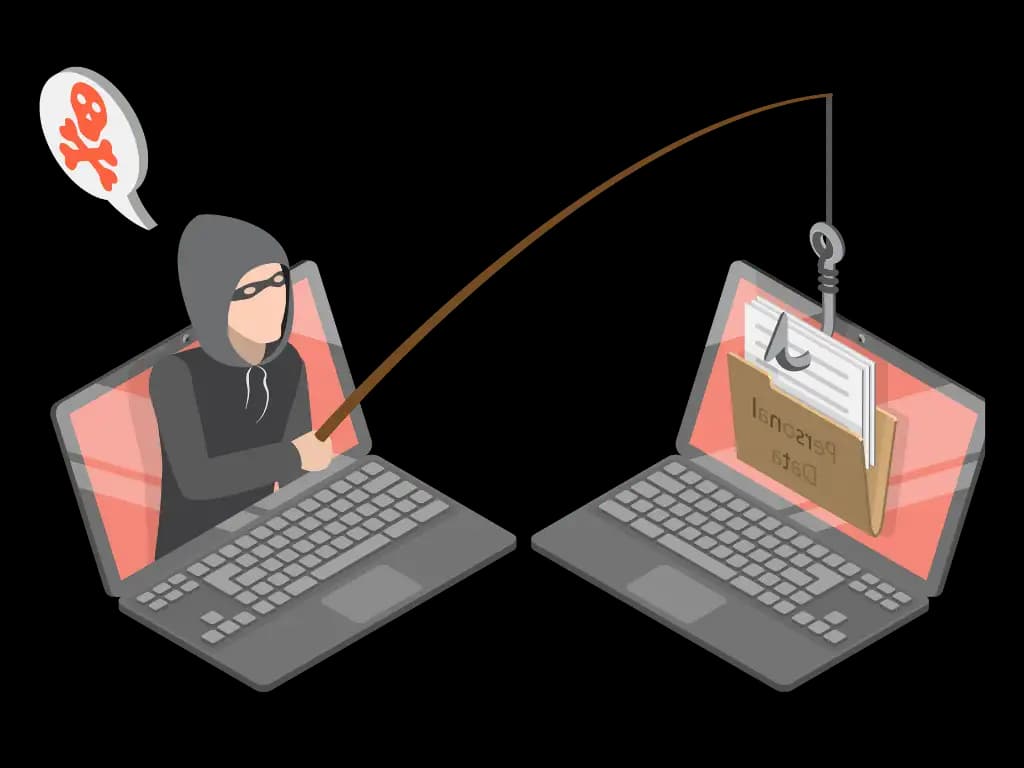
Email-based Phishing
.svg)
Real-Time Threat Detection
.svg)
Credential Theft Prevention
.svg)
Browser Fingerprint Analysis
.svg)
Policy Enforcement
.svg)
URL & Domain Intelligence
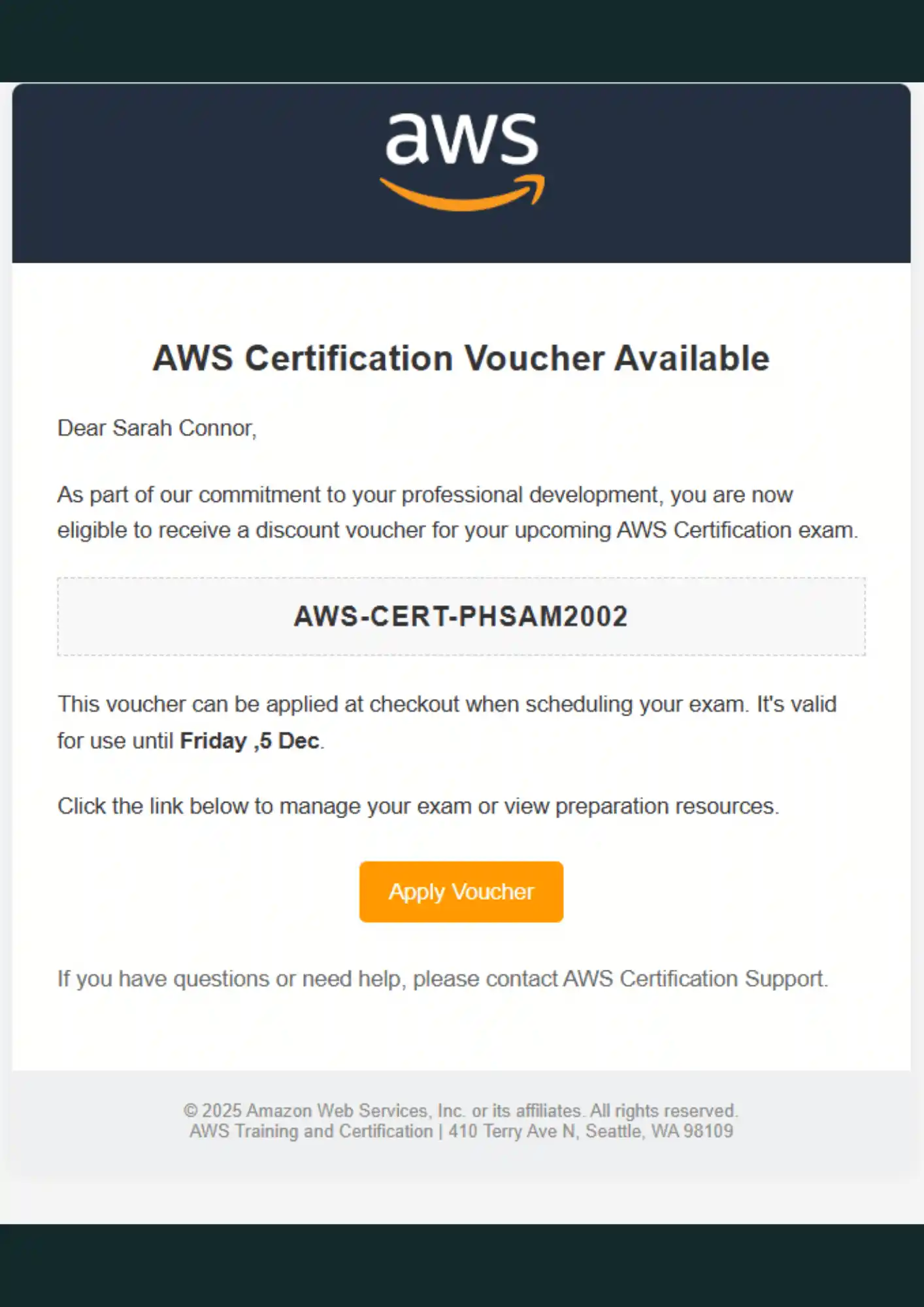
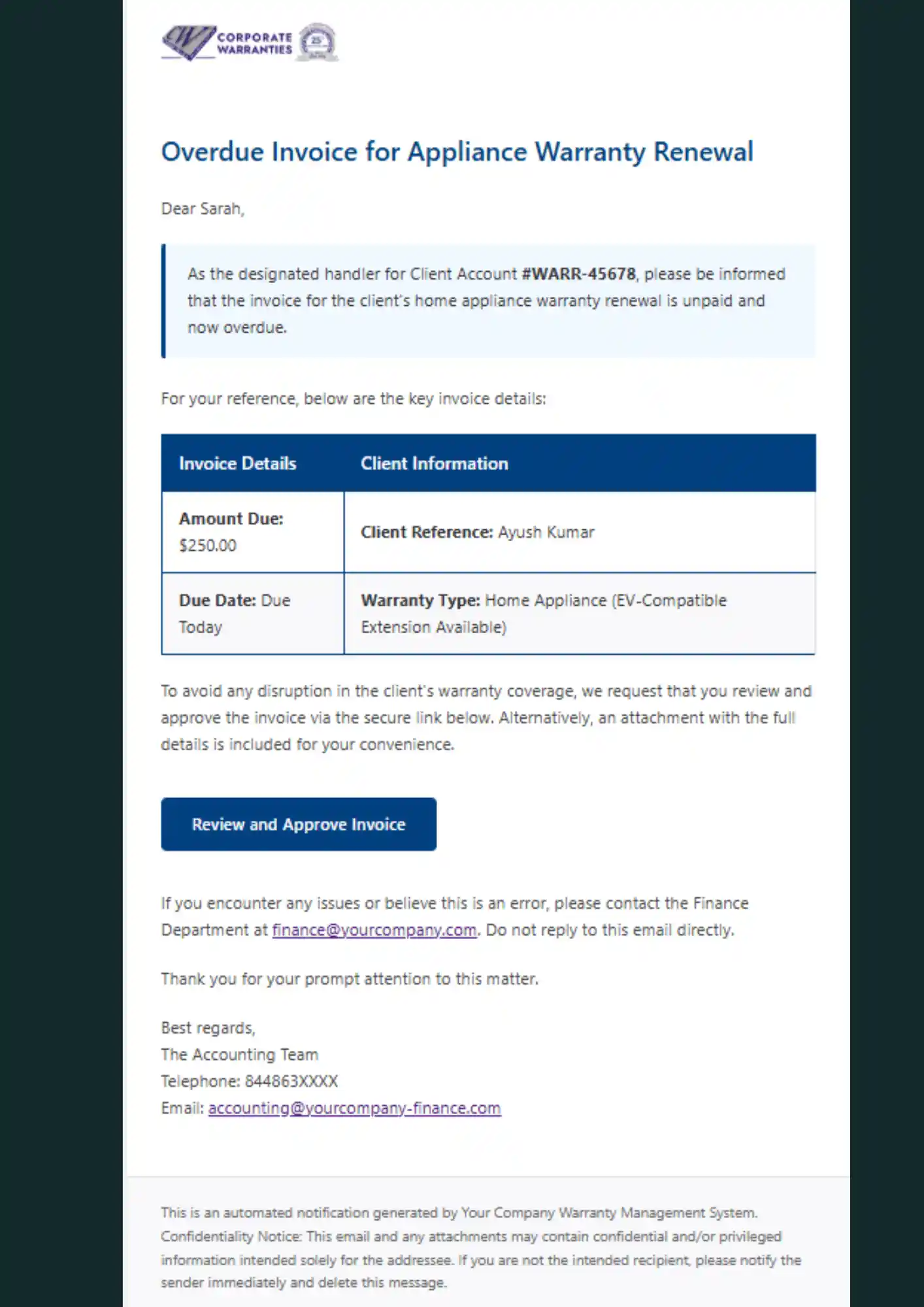
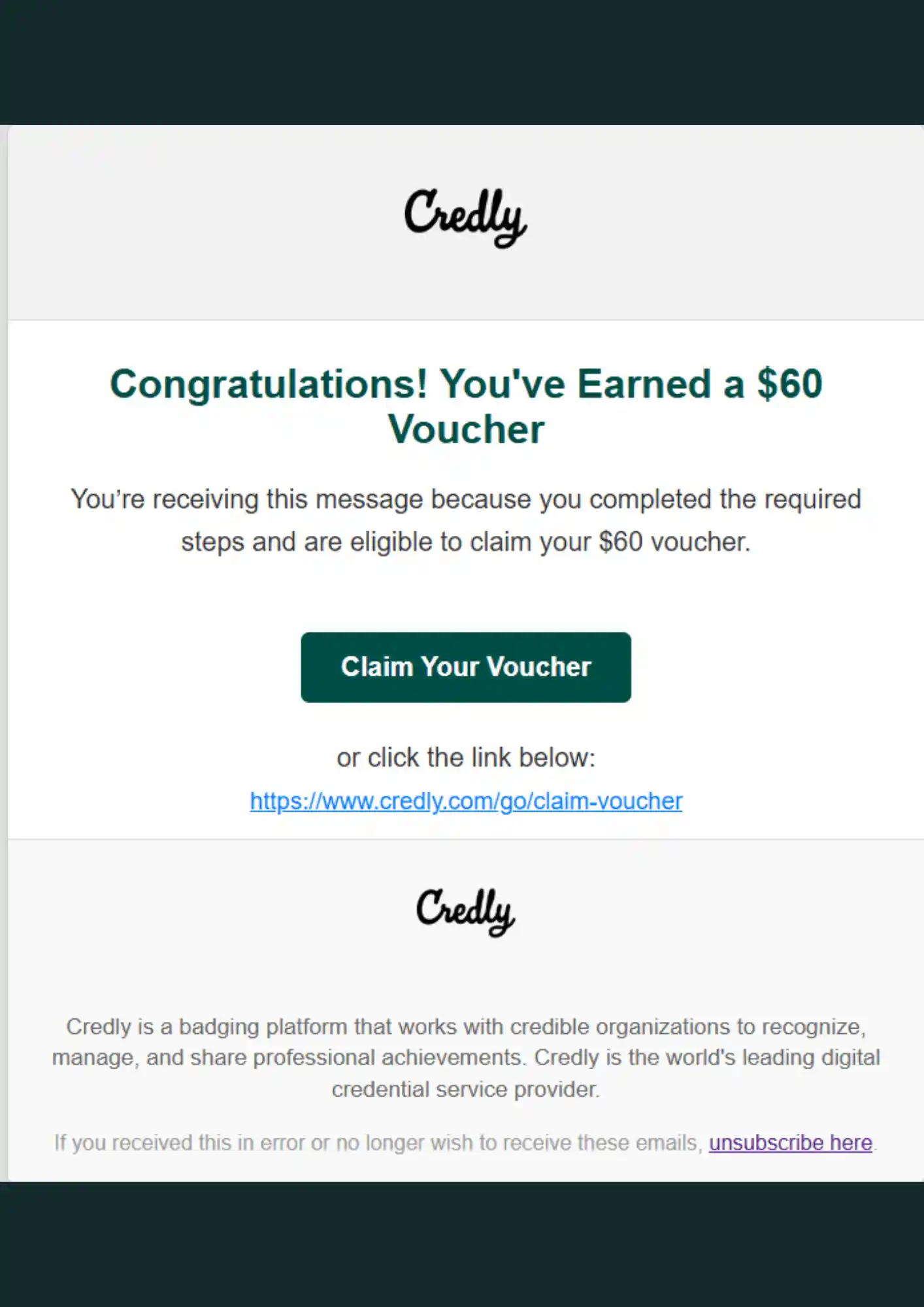
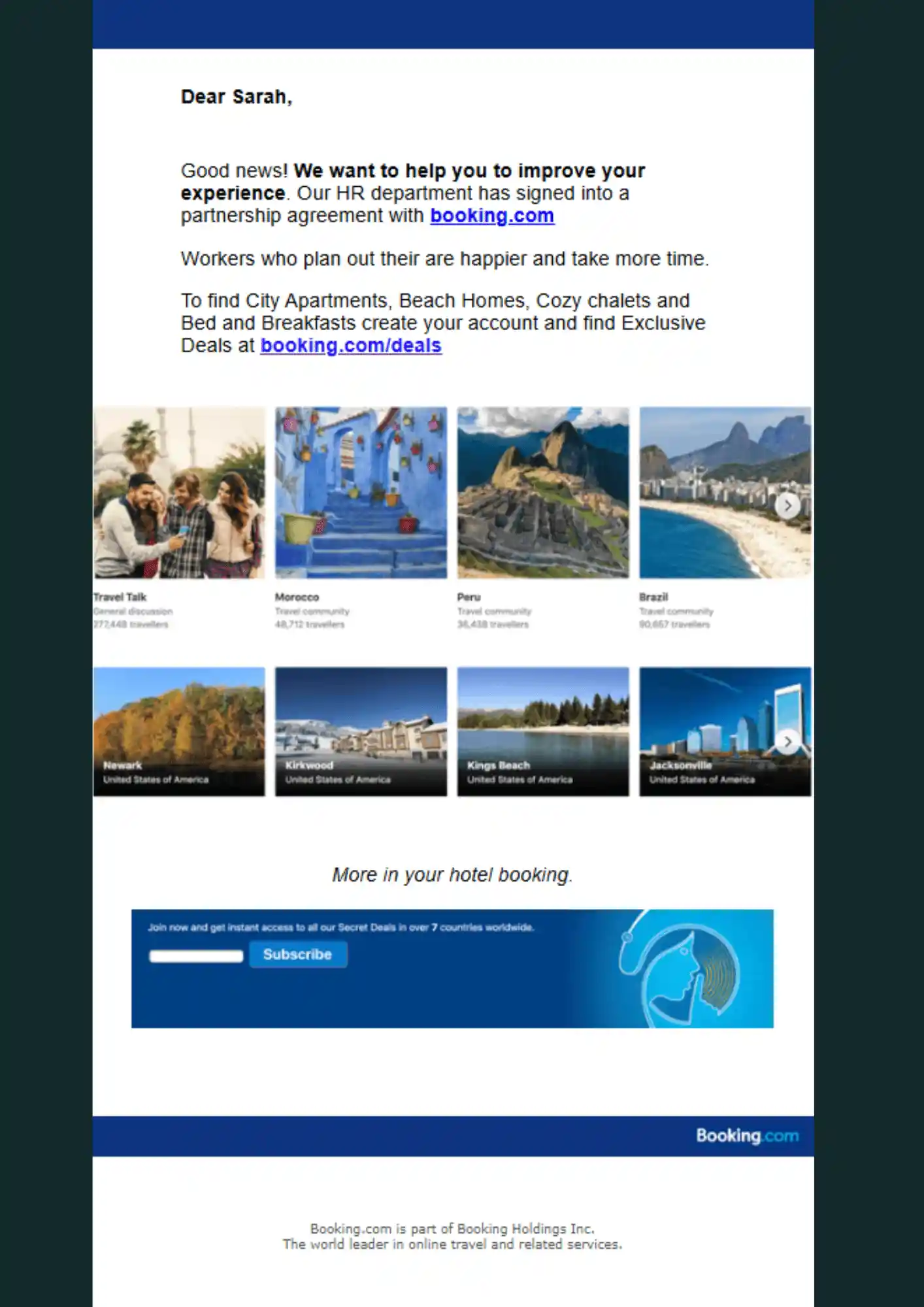
Frequently asked questions
What exactly happens in a phishing simulation?
Employees receive safe, controlled look-alike messages. The platform records opens, clicks, submitted credentials and reports, then assigns short training to people who slip.
Can we use our own awareness content?
Yes. The platform can support organisation-specific content so training matches your policies, tone and risk scenarios.
How is pricing decided?
Billing is aligned to the plan, number of seats, scope of use and billing cycle. Get in touch for a quote tailored to your headcount.
Can we add more seats during the term?
Yes, seats or usage can be expanded as the programme grows, handled under the active licence and billing terms.
Is onboarding included?
Onboarding and support options are available to help teams set up campaigns, reporting, integrations and training workflows.
Which attack types can be simulated?
Email phishing, link-based attacks, QR phishing, credential harvesting and template-based campaigns are supported.
Can we choose where data is hosted?
Hosting options can be reviewed for enterprise deployments depending on compliance needs, region preference and available infrastructure.
Test your human firewall
Share your headcount and goals and we will propose a simulation plan for your organisation.